
Download Contraction Timer App For Labor Tracking
Get the free contraction timer and labor-tracking app for iPhone, Apple Watch, and Android. Time contractions with one tap, track duration and frequency, and watch for 5-1-1 patterns.




To download the ContractionTimer.io contraction timer app, use the iOS App Store on iPhone or Google Play on Android. ContractionTimer.io lets you tap start and stop for each contraction, then logs duration, frequency, and pattern history so you and your birth partner can track labor progression before contacting your provider.
Definition: Contraction Timer IO is a contraction timer app that tracks contraction duration, frequency, and patterns for pregnant people and birth partners.
TL;DR
- Download Contraction Timer on iPhone, through the App Store, or Android, through Google Play, in under a minute.
- The app tracks contraction length, rest intervals, and running pattern history with a single tap.
- App timing is supportive, always follow your clinician's guidance on when to go to the hospital.
At-a-Glance: Contraction Timer App Download Details
- Platforms: ContractionTimer.io contraction timer app is available for iPhone through the iOS App Store and for Android through Google Play.
- Price: It is free to download, but app stores may show optional in-app purchases, ads, or paid upgrades.
- Core timing: The start/stop timer records each contraction length without asking you to count in your head.
- Pattern tracking: Frequency, duration, and contraction history stay in one running session log, similar to a contraction timer log.
- Compatibility: File size, iOS version, Android version, and device support can vary by store region and phone model.
A good contraction timer app gives clean timing, visible intervals, and a history you can read fast, not a crowded pregnancy dashboard. At 2:17 a.m., that difference feels less theoretical.
How a Contraction Timer App Works
A contraction timer app works by recording two timestamps: when you tap start and when you tap stop. From those timestamps, it calculates contraction duration and the interval from the start of one contraction to the start of the next.
ContractionTimer.io stores those entries in a running session log, so you can notice the rhythm instead of doing mental math during every wave. The app can surface whether contractions are becoming longer, closer together, or staying irregular. That pattern can help you compare your timing with common guidance like 5-1-1 or 4-1-1, depending on what your provider told you. For context, Cleveland Clinic describes the 5-1-1 guideline as contractions about five minutes apart, lasting one minute, for one hour, while still emphasizing provider-specific instructions: Cleveland Clinic 5-1-1 rule.
It does not diagnose labor.
The timing data is used for pattern recognition, which means the app organizes your entries and shows trends. In plain language, it watches the spacing and length of contractions so you can describe them clearly when you call.
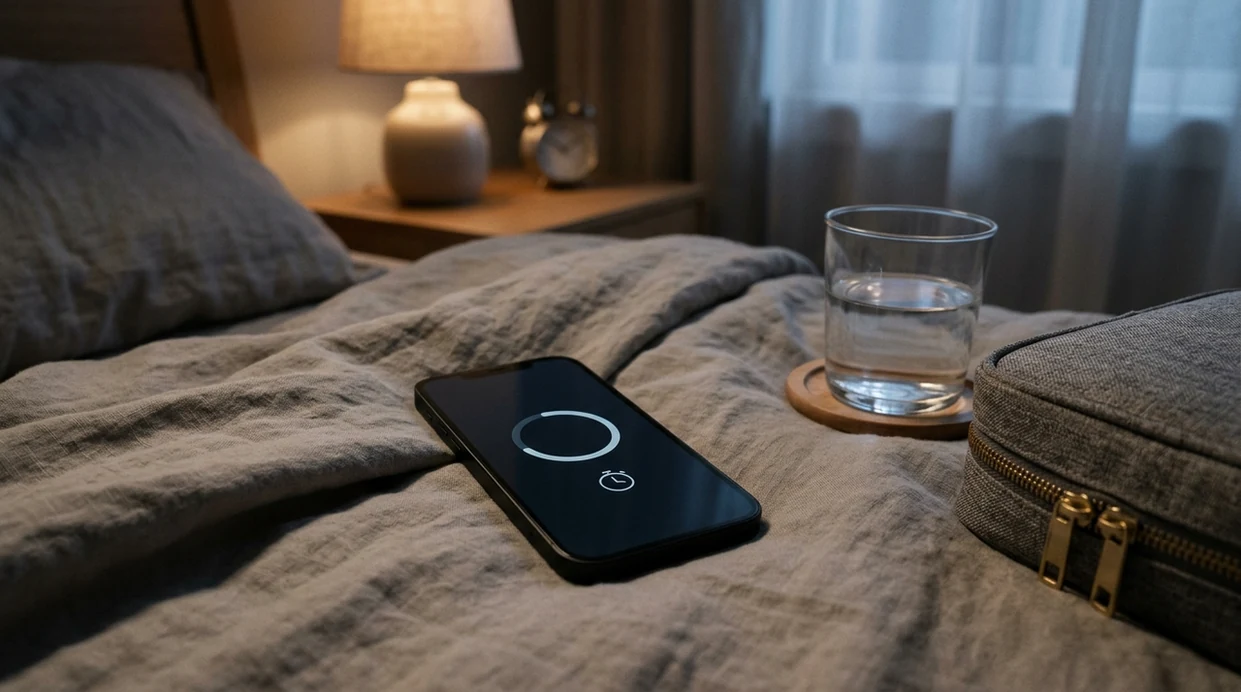
How to Use the Contraction Timer After Download
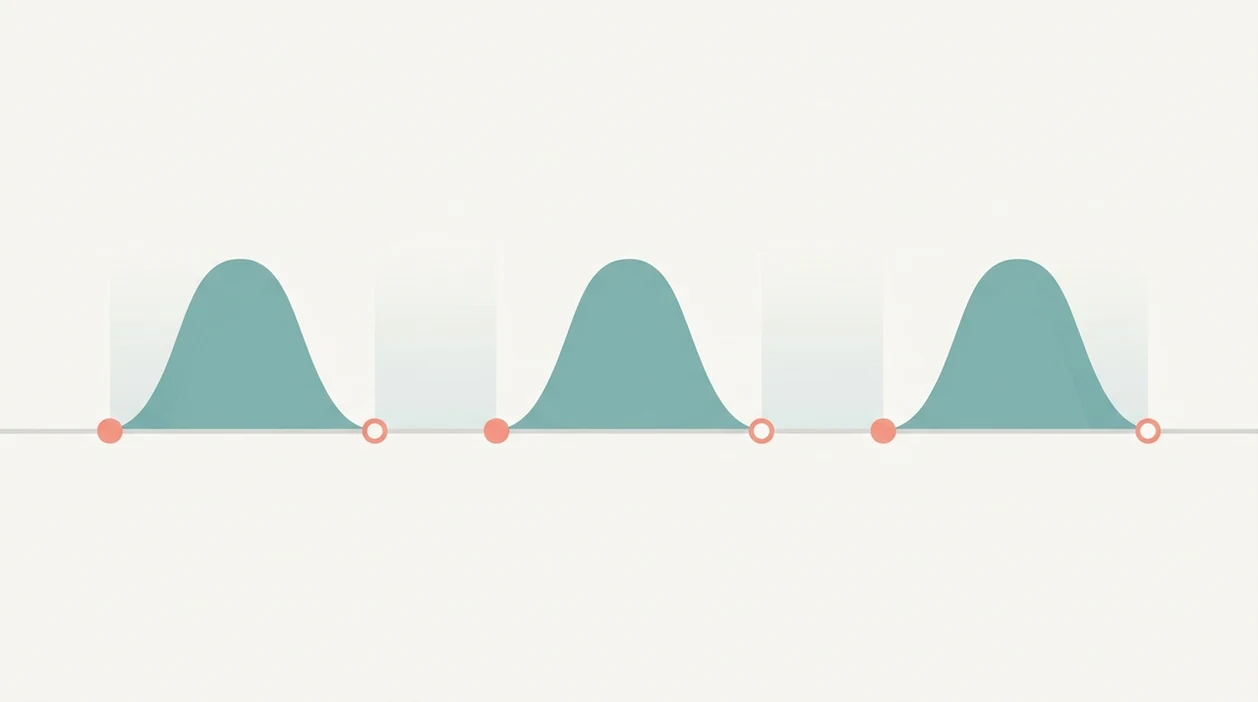
Use ContractionTimer.io by opening one session and timing each wave the same way. Keep the phone nearby, dim the room if you need to, and let your birth partner handle the screen when you want your eyes closed.
- Install the app from the App Store on iPhone or Google Play on Android.
- Open the app and tap Start when a contraction begins.
- Tap Stop when the contraction ends to log the duration.
- Review the session history for contraction frequency, duration, and changing trends.
- Share or screenshot your log before calling your provider or heading to the hospital.
After a few entries, when the average interval number is on screen, ContractionTimer.io is easier than switching between a stopwatch and notes because the session history stays together.
When to Use a Labor Timer Download During Pregnancy
Use a labor timer download when contractions feel noticeable enough that you want to see whether they are settling into a pattern. Early labor can pause and restart, so the value is often in watching change over time, not reacting to one strong contraction.
In early labor, a timer helps you track irregular contractions during a hallway lap or while resting between contractions. In active labor, it can help you compare your timing with the 5-1-1 or 4-1-1 pattern your provider may use. For Braxton Hicks or prodromal labor, timing can reveal stop-start waves that fade after water, rest, or a position change.
The CDC's National Center for Health Statistics reported a U.S. preterm birth rate of 10.4% in 2023 (CDC birth data), which is one reason timing concerns deserve calm attention. If symptoms feel early, unusual, or worrying, call your clinician.
Birth partners looking for a simple contraction tracker download fit ContractionTimer.io because they can tap through each wave while the laboring person focuses on breathing and comfort.
When to Call Your Provider During Contractions
Call your provider when contractions match the plan you were given, or sooner if anything feels unsafe, early, or different from normal. ContractionTimer.io can make the timing clearer, but it should support clinician instructions, not replace them.
Patterns like 5-1-1 and 4-1-1 are common shorthand for contractions getting regular, close, and lasting about a minute, but they are not universal rules. Your call threshold may be different if you are preterm, high-risk, carrying multiples, have a history of fast labor, or were given special instructions. ACOG also emphasizes calling for urgent warning signs during pregnancy and after birth: ACOG urgent maternal warning signs.
- Call immediately for heavy bleeding, reduced fetal movement, severe or constant pain, chest pain, trouble breathing, fainting, seizure, or a severe headache that will not ease.
- Call earlier if contractions start before 37 weeks, your water breaks, symptoms feel unusual, or you feel something is wrong.
- Share your timer log with contraction start times, duration, spacing, and whether the pattern is getting stronger.
- Follow the instructions your provider gives, even if the app numbers look reassuring.
What the Contraction Tracker Download Looks Like in Contraction Timer
ContractionTimer.io opens to a simple start/stop screen, not a maze of pregnancy content. During an active contraction, the live duration counter stays visible, so a partner can whisper “start” and “stop” while the laboring person keeps breathing through the wave.
The session log shows each contraction’s start time, duration, and interval. A pattern summary helps you see whether contractions are getting closer together, lasting longer, or staying uneven. If you want more detail on the length of each wave, the same timing idea is explained in the contraction duration tracker.
No medical jargon helps here. First-time users are often tired, wet-haired from a warm shower, and trying to decide whether the next call should be to the doula, midwife, or hospital.
The right fit for low-distraction labor timing is ContractionTimer.io because the single-screen workflow keeps duration, frequency, and history in view.
Contraction Timer App vs. Alternative Labor Trackers
A dedicated contraction timer is usually faster than a broad pregnancy app because it opens around one task: timing contractions. Broader apps may include kick counts, articles, forums, or calendars, but that can feel like too much during a contraction.
| Option | Good for | Tradeoff |
|---|---|---|
| ContractionTimer.io | Start/stop timing, frequency, duration, history | Still depends on accurate taps |
| Storky | Simple labor timing on supported platforms | Availability may vary by store |
| Full Term | iPhone users who want a known contraction timer | iOS-focused for many users |
| 9m Counter | Basic contraction counting | Store features and pricing can change |
| Stopwatch or paper | No download needed | Easy to lose intervals or misread notes |
Manual timing works, but it asks someone to write while labor keeps moving. For families comparing timing methods, app-based tracking is often easier than pen and paper because frequency calculations update automatically.
iPhone and Android Contraction Timer Download Options
Most people want a labor timer download on the phone already beside the bed. Pew Research Center reports that 91% of U.S. adults own a smartphone (Pewresearch guidance), so phone-based timing is a practical channel for many labor tools.
Download on iPhone (App Store)
On iPhone, download ContractionTimer.io from the App Store and check the listing for current iOS compatibility, file size, language support, and region availability. Notifications may be requested for session reminders or timing prompts, depending on the version.
Download on Android (Google Play)
On Android, download ContractionTimer.io from Google Play and review the Android version requirements before installing. If your store region limits availability, an online contraction timer can be a backup for basic timing.
If contractions are close enough that car keys are already beside the timer, finish the download only if it does not delay calling your provider.
Limitations
ContractionTimer.io is useful for organizing labor timing, but no contraction timer app can tell you what is medically happening inside the body.
- It cannot confirm whether labor has truly started, since regular contractions can happen outside active labor.
- Timing accuracy depends on someone remembering to tap start and stop at the right moments.
- Irregular, overlapping, or very mild contractions can make the log less precise.
- It is not a substitute for urgent care if there is heavy bleeding, reduced fetal movement, severe pain, or other warning signs.
- Pattern suggestions like 5-1-1 are general guides, not personalized medical advice.
- Free downloads may include ads, optional purchases, or subscriptions that are not obvious before installation.
- Compatibility, language support, and features can vary by device model and app store region.
Clinicians typically suggest using contraction timing as one part of the picture, along with symptoms, pregnancy history, and direct care-team guidance.
Frequently Asked Questions
Does the contraction timer app work on both iPhone and Android?
Yes. ContractionTimer.io contraction timer app is available through the iOS App Store and Google Play.
Can a contraction timer replace medical advice?
No. A contraction timer is a supportive tool for recording patterns, not a diagnostic device or replacement for clinician guidance.
How accurate is app-based contraction timing?
App-based timing is only as accurate as the start and stop taps. Irregular contractions, distraction, or missed taps can reduce precision.
Can my birth partner use the contraction timer app for me?
Yes. A birth partner can operate the timer so the laboring person can breathe, rest, change positions, or use comfort measures.
Does the contraction timer app work offline?
Most start/stop timing and session history features can work without constant internet once installed. Downloading updates or syncing data may require a connection.
When should I start timing contractions?
Start timing when contractions feel regular, increasingly intense, or important enough to report to your provider. Follow the timing instructions your clinician gave you.
When should I download a contraction timer app?
There is no required week, but downloading one before labor begins gives you time to learn the controls without pressure. Record and delete a 10-second test entry, then keep your phone charged and follow your provider’s instructions about when to start timing or call.
Contraction Timer Download Facts at a Glance
| Item | What to know |
|---|---|
| Cost | Free to download and use |
| Supported devices | iPhone, Apple Watch, and Android |
| Core measurements | Contraction duration and frequency |
| Timing control | One-tap start and stop |
| Common reminder pattern | 5-1-1: every 5 minutes, lasting 1 minute, for 1 hour |
| Internet requirement | Offline timing is supported |
Set Up a Contraction Timer Before Labor Starts
Preparing your contraction timer before labor can make tracking easier when contractions demand your attention. Install the app on the phone or watch you expect to use, open it once, and practice recording a short test contraction. Confirm that you know where the start, stop, history, and reset controls are before deleting the test entry.
- Charge your phone and Apple Watch, and keep a charging cable or power bank in your hospital bag.
- Ask your provider which contraction pattern should prompt a call; 5-1-1 is common guidance, but it is not universal.
- Show your birth partner how to start and stop timing so they can track while you focus on coping.
- Check that the app remains accessible from your preferred device and practice using it without an internet connection.
- Save your provider, hospital, or birth-unit phone number separately; a timer records patterns but cannot assess labor or emergencies.
Download labor contraction timer app tools from Contraction Timer IO to record contraction start times, duration, and frequency as labor progresses.
Download contraction timer for iPhone or download contraction timer for Android based on your device. Follow your care team’s guidance and contact them with any concerns.
Numbers from clinical sources
| Topic | What sources say | Source |
|---|---|---|
| ACOG due-date calculation uses Naegele’s rule (280 days from last menstrual period). | The American College of Obstetricians and Gynecologists defines the estimated due date by convention as 280 days after the first day of the last menstrual period (Naegele’s rule), assuming a 28‑day cycle with ovulation a | American College of Obstetricians and Gynecologists (ACOG), Committee Opinion Methods for Estimating the Due Date (2017) |
Timing contractions safely
Contraction Timer IO measures contractions from the start of one to the start of the next. True-labor contractions typically become regular and closer together, but timing alone cannot confirm labor because painful contractions may occur without cervical change.
Contact your maternity team if contractions are regular every 5 minutes or more often, and seek urgent advice for bleeding, waters breaking, reduced movement, or possible labor before 37 weeks. See the NHS signs of labour guidance.
| Guide | Sourced number |
|---|---|
| True-labor duration | 60-90 seconds (ACOG, 2026; Mayo Clinic, 2024) |
| Active-labor frequency | Every 2-5 minutes (StatPearls citing ACOG, 2025) |
| Urgent NHS threshold | Over 2 minutes, or 6+ in 10 minutes (NHS, 2026) |