
Best contraction timer apps compared
Compare contraction timer apps for iPhone, Apple Watch, Android, and the web, including features, costs, sharing, and honest limits.



Best contraction timer apps compared
The best contraction timer app is easy to start during labor, keeps a readable history, and works on the device you plan to have nearby. This comparison looks beyond ratings to consider platform support, sharing, exports, watch access, cost, and account requirements.
The best contraction timer apps for different needs
For broad device support, Contraction Timer IO is the strongest overall option in this comparison. Its free core timer works on iPhone, iPad, Apple Watch, Android, and the web, with lock-screen timing, partner sharing, history export, and no required account (Contraction Timer IO listings, 2024-2026).
That does not make it best for everyone. Labora is a good Apple-focused choice if Siri and lock-screen controls matter, while Bump Pulse stands out for partner synchronization without an account. Freya is designed around hypnobirthing, and Sprout or The Bump may suit someone who wants pregnancy content around the timer rather than a dedicated labor tool.
Choose based on the phone, watch, or browser you will actually use. A simple interface can matter more during contractions than a long feature list, and no timer can determine whether you are in labor or whether you need medical care.
Feature matrix for the compared apps
The table compares the features confirmed in the supplied official sites and store research. “Check listing” means the feature was not confirmed, not that it is unavailable.
| App | Platforms | Watch or lock screen | Sharing or export | Cost |
|---|---|---|---|---|
| Contraction Timer IO | iPhone, iPad, Apple Watch, Android, web | Apple Watch and lock screen | Partner sharing; export | Free core timer; ad-free (store listings, 2024-2026) |
| Bump Pulse | iPhone, iPad, Apple Watch, Android | Apple Watch and lock screen | Partner sharing; export | Free; no ads; no subscriptions (App Store listing + bumppulse.app, Sep 2026) |
| Labora Contraction App | iPhone, iPad, Apple Watch, Apple Vision | Apple Watch and lock screen | Partner sharing | Free with optional in‑app purchases |
| Tide Contraction App | iPhone, Apple Watch | Apple Watch | Partner sharing | Free with in-app purchases (App Store, B Gilmore LLC, 2026) |
| Full Term | iPhone, iPad, Apple Watch (Android Play listing removed Apr 2024) | Apple Watch | export | Free with in-app purchases |
| Storky Contraction Timer | iPhone, iPad, Android | No Apple Watch | Partner sharing; export | Free with in-app purchases (App Store, Google Play, TappyTaps, 2018–2026) |
| Contraction Timer 9m | iPhone, iPad, Android | No Apple Watch | export | Free download with in‑app purchases; free/paid (no‑ads) versions |
| Freya | iPhone, iPad, Apple Watch, Android | Apple Watch | Partner sharing; export | Paid (one-time purchase; exact current price varies by store and region) |
| Sprout Pregnancy | iPhone, iPad, Android | Apple Watch for pregnancy updates, not a confirmed labor-timer Watch app | Export listed | Free download; premium subscription |
| The Bump | iPhone, iPad, Android | Check current listing | Partner sharing; export | Free |
Prices, subscriptions, and platform support can change by country and store. Check the current App Store or Google Play listing before relying on a paid feature.
App-by-app contraction timer notes
The matrix above is the short version. The sections below add the listing facts behind each row — platforms, price, sharing, and watch or lock-screen access — from official sites and store listings checked in September 2026.
Contraction Timer IO - free, cross-platform timing without an account
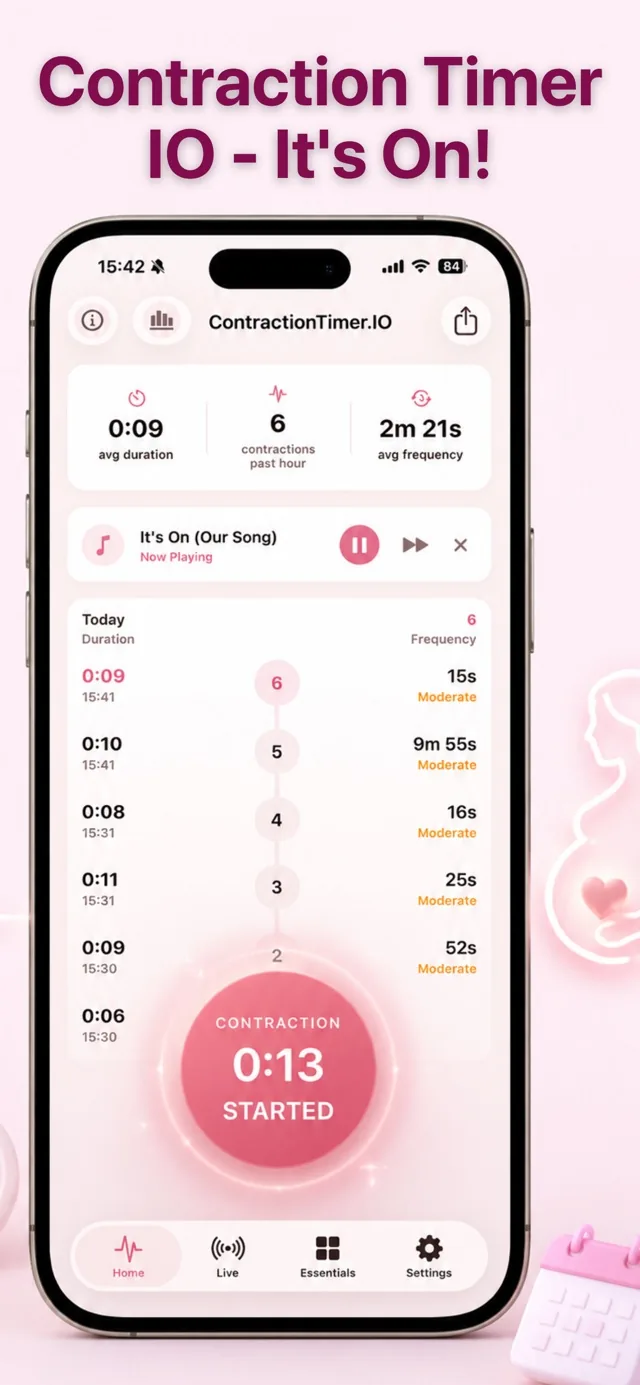
Contraction Timer IO is a single-purpose timer with a free, ad-free core across iPhone, iPad, Apple Watch, Android, and the web. It can start or manage timing from the Lock Screen, show contraction patterns, and issue 5-1-1 alerts when contractions may match a common active-labor guideline. No account is required, reducing setup during labor (official site, 2026; App Store listing, Sep 2026).
Partners can follow progress through sharing, while export tools preserve contraction history for caregivers or personal records. Its broad device support makes it particularly practical for households using different platforms. The main limitation is scope: this is a focused contraction tool rather than a full pregnancy tracker, and 5-1-1 alerts are guidance rather than individualized medical advice (official site, 2026).
4.8/5 App Store rating | Free core timer; ad-free (store listings, 2024-2026) | iPhone, iPad, Apple Watch, Android, web | Partner sharing: Yes
Bump Pulse - extensive hands-free controls and live partner sharing
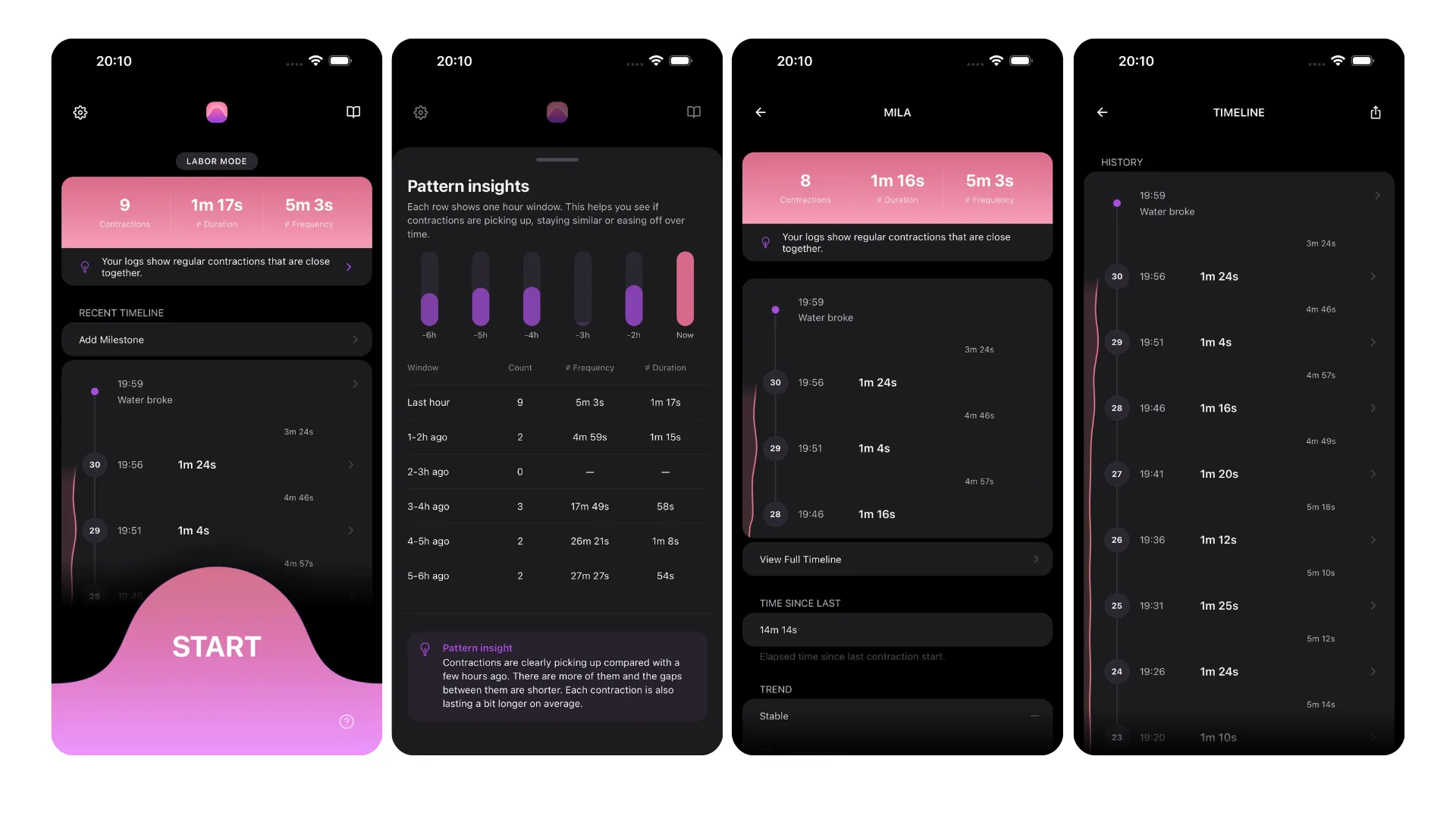
Bump Pulse is a free contraction timer for iPhone, iPad, Apple Watch, and Android, with no ads, subscriptions, or required account. Its native Apple Watch app provides start/stop controls, quick statistics, and recent contractions. On iPhone, timing can be started or stopped from the Lock Screen, with additional access through Live Activity, Siri, App Shortcuts, and home-screen widgets (official site, 2026; App Store listing, Sep 2026).
The app tracks the 5-1-1 trend and offers live sharing with a partner, doula, or midwife. Free sharing is view-only; remote full control belongs to the paid Birth Certificate Mode. It also works offline and has surpassed 30,000 downloads. Those wanting a broader pregnancy organizer may find its dedicated labor focus limiting, but its core timer remains free and account-free (official site and press kit, 2026).
4.7/5 from 61 App Store ratings (Sep 2026) | Free; no ads; no subscriptions (App Store listing + bumppulse.app, Sep 2026) | iPhone, iPad, Apple Watch, Android | Partner sharing: Yes
Labora Contraction App - customizable alerts across Apple devices
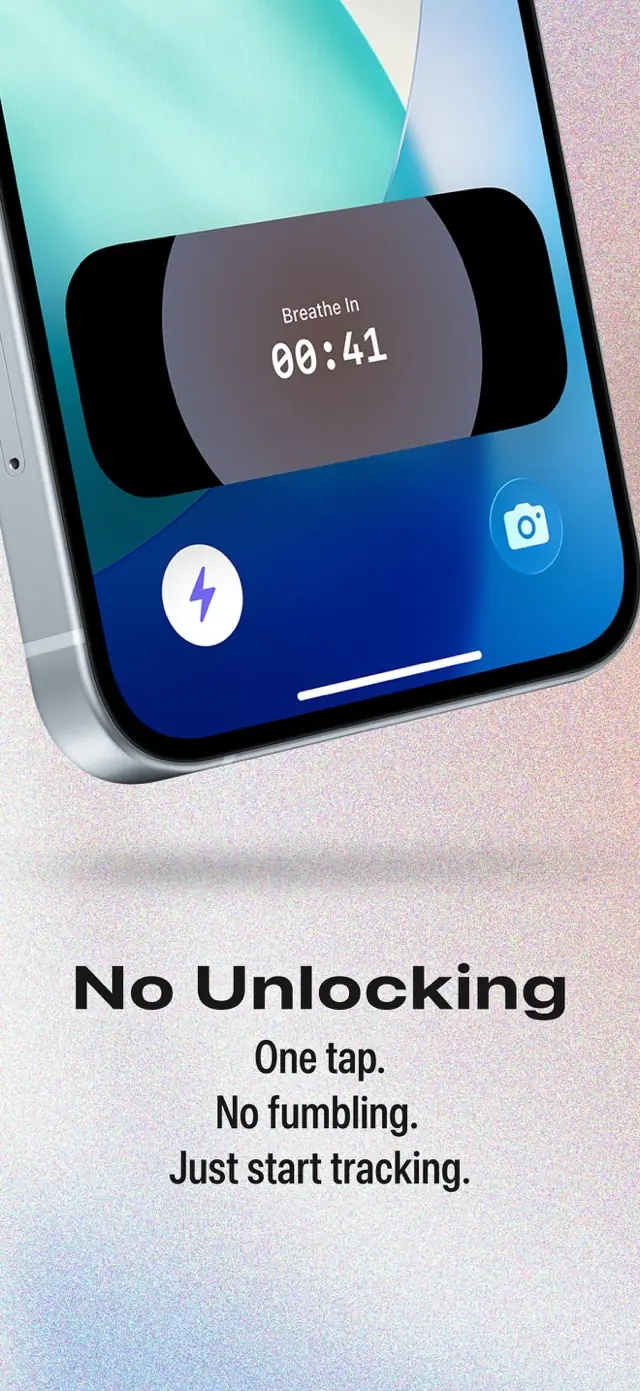
Labora is an ad-free contraction timer for iPhone, iPad, Apple Watch, and Apple Vision. Core timing is free without a paywall, while the App Store lists optional in-app purchases. Users can track from the Lock Screen or Apple Watch and access controls through Siri and widgets. Customizable alerts support 5-1-1-style thresholds rather than forcing one fixed labor pattern (official site, 2026; App Store listing, Sep 2026).
No account is required, and the developer states that data is not uploaded. Partner sharing is also supported. Labora suits Apple users who want several quick ways to record contractions without advertising or account setup. Its clearest limitation is platform reach: no Android listing was found, so mixed-platform households may prefer a timer available on both major mobile systems (official site, 2026).
5.0/5 from 90 App Store ratings (Sep 2026) | Free with optional in‑app purchases | iPhone, iPad, Apple Watch, Apple Vision | Partner sharing: Yes
Tide - simple one-tap timing with private update links
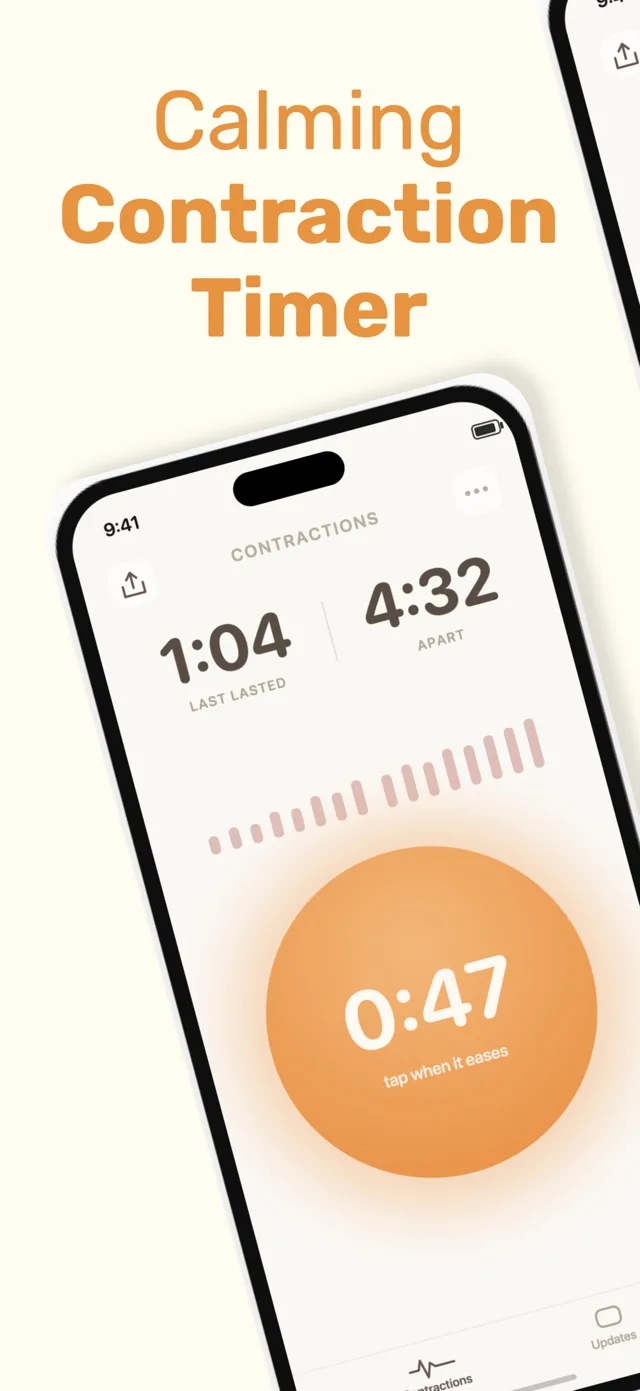
Tide centers on a one-button contraction timer for iPhone and Apple Watch, backed by a labor log and a Home Screen widget. It requires no account and carries no ads. A private, expiring link lets a partner, doula, family member, or other support person follow labor updates without receiving editing access (App Store listing, Sep 2026).
The download is free with in-app purchases, including a one-time unlock, making it worth checking which features are included before labor. Tide is a straightforward option for people who prioritize quick recording and view-only sharing over a larger pregnancy toolkit. However, it is iOS-only, and the available research does not confirm 5-1-1 guidance, Android support, history export, or Lock Screen start/stop controls (App Store listing, Sep 2026).
4.9/5 from 225 App Store ratings (Sep 2026) | Free with in-app purchases (App Store, B Gilmore LLC, 2026) | iPhone, Apple Watch | Partner sharing: Yes
Full Term - established iOS timing with editable history and kick counting
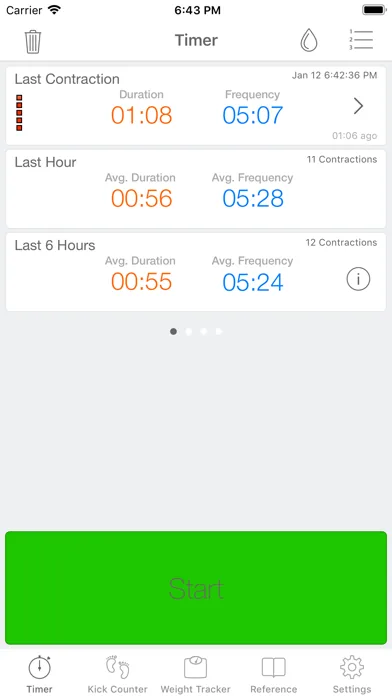
Full Term combines contraction timing with a kick counter on iPhone and iPad, while its Apple Watch support allows wearable access during labor. The timer includes 5-1-1 alerts, editable contraction history, and email export, covering both pattern guidance and a way to send the recorded log elsewhere. It is free to download with optional in-app purchases (App Store listing, Sep 2026).
This broader feature set may suit someone who wants kick tracking before labor and contraction records later without changing apps. Availability is the important limitation: although Full Term previously had an Android version, its Google Play listing was removed on April 20, 2024, so it should currently be treated as an Apple-platform option rather than a cross-platform recommendation (Google Play listing status, Apr 2024; App Store listing, Sep 2026).
4.7/5 from 7,214 App Store ratings (Sep 2026) | Free with in-app purchases | iPhone, iPad, Apple Watch (Android Play listing removed Apr 2024) | Partner sharing: Check current listing
Storky Contraction Timer - straightforward iOS and Android tracking with sharing
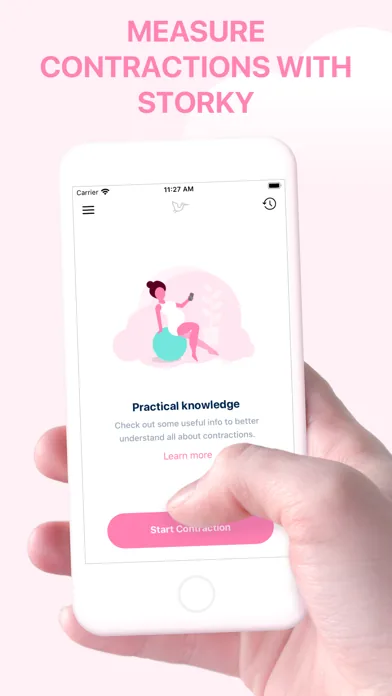
Storky is a dedicated contraction timer for iPhone, iPad, and Android. It records contraction history and uses a labor-pattern indicator based on 5-1-1-style timing to help users judge when the pattern may warrant heading to the hospital. A contraction overview can be shared or emailed to a partner or caregiver, and no account is required (official site, 2026; App Store and Google Play listings, Sep 2026).
The core experience is ad-free on iOS, though the free download includes optional in-app purchases. Storky is a practical fit for mixed iPhone and Android households that want timing, guidance, and export without a full pregnancy-content app. It does not list Apple Watch support, however, and its hospital-timing indicator should be considered general guidance rather than a replacement for instructions from a maternity care team (official site, 2026).
4.9/5 from 1,885 App Store ratings (Sep 2026) | Free with in-app purchases (App Store, Google Play, TappyTaps, 2018–2026) | iPhone, iPad, Android | Partner sharing: Yes
Contraction Timer 9m - automated pattern analysis on iOS and Android
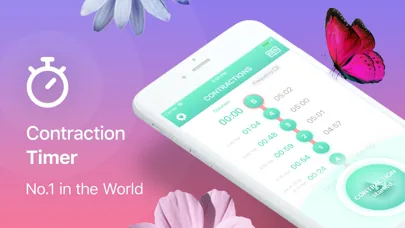
Contraction Timer 9m uses a simple tap-to-start and tap-to-stop workflow on iPhone, iPad, and Android. It analyzes contraction duration and frequency, estimates the labor stage, and can notify users when the recorded pattern suggests it may be time to go to the hospital. Contraction history can also be exported, and an account is not required (App Store and Google Play listings, Sep 2026).
The app is free to download with in-app purchases, including paid options that remove ads or unlock features. Advertising is disclosed on both Android and iOS, which distinguishes it from several ad-free alternatives on this list. It also has no confirmed Apple Watch app. This makes 9m better suited to users prioritizing automated pattern analysis and broad phone support over wearable controls or an entirely ad-free core experience (App Store and Google Play listings, Sep 2026).
4.8/5 from 68,647 App Store ratings (Sep 2026) | Free download with in‑app purchases; free/paid (no‑ads) versions | iPhone, iPad, Android | Partner sharing: Check current listing
Freya - contraction timing paired with hypnobirthing audio support
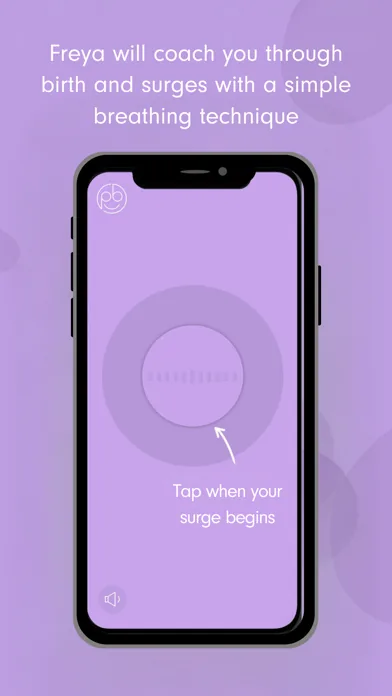
Freya combines a contraction—or “surge”—timer with hypnobirthing-oriented support, including breathing prompts, affirmations, relaxation audio, and virtual birth-partner coaching. It keeps a shareable surge log and provides 5-1-1 guidance. The app is available for iPhone, iPad, Apple Watch, and Android, with the official site specifying compatibility with Apple Watch Series 3 and later (official site, 2026; App Store and Google Play listings, Sep 2026).
Freya is ad-free, requires no account, and uses a one-time paid purchase rather than a free core; the exact price varies by store and region. It is most relevant for people who actively want audio coaching alongside timing. Those seeking only a minimal stopwatch may find the additional birth-preparation content unnecessary, while users wanting a free option will need to consider another timer (official site, 2026).
4.5/5 from 173 App Store ratings (Sep 2026) | Paid (one-time purchase; exact current price varies by store and region) | iPhone, iPad, Apple Watch, Android | Partner sharing: Yes
Sprout Pregnancy - a full pregnancy tracker with a built-in timer
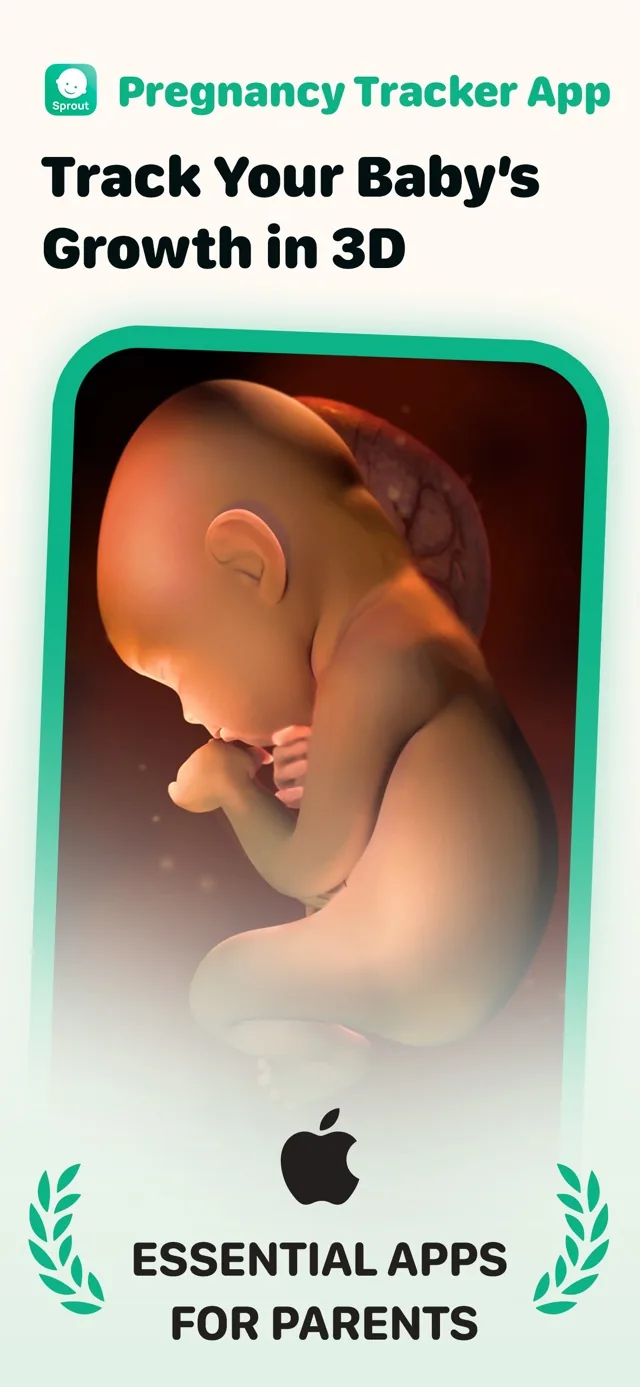
Sprout is primarily a pregnancy tracker rather than a dedicated labor-timing app. Alongside its built-in contraction timer, it provides week-by-week pregnancy guidance, a kick counter, and interactive 3D fetal-development models. It is available on iPhone, iPad, and Android, does not require an account, and is a free download with a premium subscription option (official site, 2026; App Store and Google Play listings, Sep 2026).
Apple Watch support is listed, but the confirmed Watch experience concerns pregnancy updates and 3D models—not contraction start/stop controls—so Sprout should not be presented as a verified labor-timer Watch app. Its strength is keeping pregnancy information and practical tools together. The tradeoff is that users wanting a focused timer, confirmed 5-1-1 alerts, or clearly documented wearable labor controls may be better served by a dedicated alternative (official site, 2026).
4.7/5 from 24,202 App Store ratings (Sep 2026) | Free download; premium subscription | iPhone, iPad, Android | Partner sharing: Check current listing
The Bump - free pregnancy content with a basic contraction counter
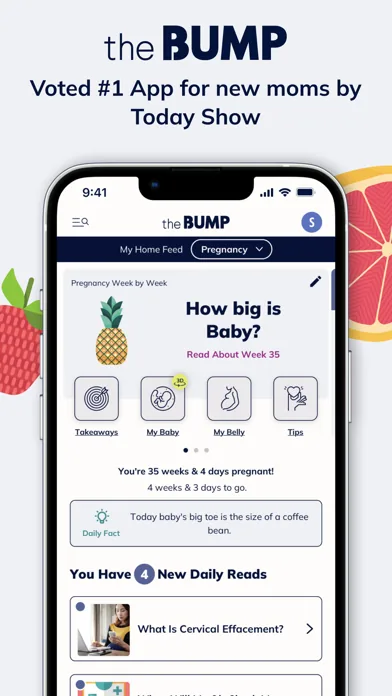
The Bump is a broad pregnancy and baby app with a built-in contraction timer and counter. It also includes week-by-week educational content, a kick counter, registry features, and tools extending beyond pregnancy into early parenthood. The app is free and available for iPhone, iPad, and Android, making it accessible to households that want general pregnancy resources alongside basic labor timing (official site, 2026; App Store and Google Play listings, Sep 2026).
This breadth is also its main limitation for timer comparisons: The Bump is not a dedicated labor app, and the research does not confirm Apple Watch timing, Lock Screen controls, or 5-1-1 alerts. Advertising is present. It is therefore better suited to users already relying on its pregnancy ecosystem than to those seeking a distraction-free, single-purpose timer with advanced sharing or wearable controls (App Store and Google Play listings, Sep 2026).
4.8/5 from 39,657 App Store ratings (Sep 2026) | Free | iPhone, iPad, Android | Partner sharing: Yes
Best choices for watches, partners, breathing, and pregnancy tracking
- Best for multiple device types: The first app in the table covers iPhone, Apple Watch, Android, and a web timer. It also combines sharing and export without requiring an account (official listings, 2024-2026).
- Best for partner synchronization: Bump Pulse confirms live partner sharing, editable history, Apple Watch, Lock Screen / Live Activity, 5-1-1 trend guidance, and no required account. The core app is free and has no ads (App Store listing and bumppulse.app, Sep 2026).
- Best for Apple-focused controls: Labora supports iPhone, iPad, Apple Watch, Apple Vision, lock-screen timing, and Siri. No Android contraction app listing was found in the supplied research (Labora, 2025-2026).
- Best for guided breathing: Tide combines contraction timing with breathing guidance and a shareable labor log on iPhone (App Store, 2026). Freya offers guided breathing and relaxation with a hypnobirthing focus on iPhone and Android (Store listings, 2019-2026).
- Best for an established basic timer: Full Term offers timing, a kick counter, exports, and Apple Watch support on iPhone and iPad. Its Android Play listing was removed in April 2024 (App Store listing, Sep 2026).
- Best for broader pregnancy content: Sprout includes pregnancy tracking, daily content, and baby models, while The Bump includes week-by-week information and registry tools. Neither is primarily a dedicated contraction timer (official and store listings, 2023-2026).
How free apps, subscriptions, and store ratings compare
“Free” can describe a fully usable core timer, a download with optional purchases, or a trial that becomes a subscription. Read the purchase section in the current store listing, especially if you want sharing, history, breathing exercises, or premium pregnancy content.
Sprout’s research shows a free download followed by a two-week trial and premium options, including examples of $7.99 or $3.99 weekly (App Store, 2025-2026). Tide lists a $9.99 Pro purchase (App Store, 2026), while Freya was listed as a one-time paid download at approximately $5.99 on iPhone and $6.49 on Android (Store listings, 2019-2025).
Ratings were not used as the main ranking factor. Rating totals come from different dates, platforms, and app versions, so a larger total does not prove that an app will be easier to operate during labor.
How these contraction timer apps were assessed
The comparison used the supplied official websites and store research, with the most recent material generally dated from 2025-2026 and older listing history noted where relevant. The review considered supported devices, watch and lock-screen access, partner sharing, exports, account requirements, breathing tools, ads, and the payment model (supplied competitor research, 2023-2026).
Dedicated timers were favored when the main task was starting, stopping, and reviewing contractions. Broader pregnancy apps were included because many people search for one app that combines pregnancy information with labor tools, but extra content can make the timer less immediate to reach.
No unsupported feature was treated as absent. Where the research returned no confirmed information for watch support, lock-screen controls, sharing, export, or account requirements, the table says to check the current listing. This was a listing-based comparison rather than a clinical evaluation or a hands-on test of every current app version.
What a contraction timer can and cannot tell you
A timer records when a contraction starts, how long it lasts, and the interval before the next one. It can make a pattern easier to describe to your clinician, but it cannot confirm labor, assess cervical change, monitor the baby, or rule out a complication.
Pregnancy is conventionally dated to an estimated due date at 280 days, or 40 weeks, from the first day of the last menstrual period (ACOG, 2017). That convention does not mean every labor follows the same schedule, and an app should not replace instructions from your obstetrician, midwife, hospital, or birth center.
Ask your care team in advance when they want you to call and where they want you to go. Seek medical guidance promptly for urgent concerns such as heavy bleeding, severe or constant pain, reduced fetal movement, breathing difficulty, or a feeling that something is wrong, regardless of what the timer shows.
Frequently asked questions
What is the best contraction timer app?
The best contraction timer app is the one you can operate quickly on your available device. Look for a clear start-and-stop control, readable history, and any sharing or watch access you expect to use. Cross-platform support is useful for mixed-device households, while breathing guidance may matter more if relaxation support is your priority.
Are free contraction timer apps actually free?
Some are free for core timing, while others include purchases, ads, trials, or subscriptions. Bump Pulse and several other dedicated timers offer a free core experience, but optional upgrades vary by listing (official listings, 2025-2026). Sprout uses a trial and subscription model, so always check the current purchase details in your regional app store.
Which contraction timer apps work on Apple Watch?
Confirmed Apple Watch options are Contraction Timer IO, Bump Pulse, Labora, Tide, Full Term, and Freya. Sprout’s confirmed Watch features cover pregnancy updates and 3D models, not labor-timer controls.
What is the best contraction timer for Android?
The best Android choice depends on whether you want simple timing, partner sharing, breathing support, or pregnancy content. Bump Pulse supports Android with partner synchronization, while Storky and Contraction Timer 9m provide dedicated timer options. Full Term’s Android Play listing was removed in 2024. Freya adds hypnobirthing-focused breathing, and The Bump or Sprout may fit people seeking a broader pregnancy app.
Can a contraction timer tell me when to go to the hospital?
No, a contraction timer cannot decide when you should go to the hospital. It organizes timing information, but your care team’s instructions, symptoms, pregnancy history, travel time, and local guidance matter. Call your obstetrician, midwife, hospital, or birth center if the pattern concerns you or if you have urgent symptoms, even when the app does not show a regular pattern.
When should I start timing contractions?
Start when contractions become noticeable enough that you want to identify a pattern or when your clinician has told you to begin. You do not need to capture every early sensation perfectly. Record the start and end consistently, and share the history with your care team if asked. Follow their instructions rather than waiting for an app notification.
How accurate are contraction timer apps?
A contraction timer is only as accurate as the taps used to start and stop it. Phone delays, missed contractions, accidental taps, and uncertainty about when a contraction begins can affect the log. The history is still useful for showing an approximate pattern, but it is not a medical monitor and does not measure contraction strength or cervical change.
Sources
- American College of Obstetricians and Gynecologists: Methods for Estimating the Due Date
- Contraction Timer IO official site
- Bump Pulse official site
- Bump Pulse on the App Store
- Bump Pulse on Google Play
- Labora official site
- Tide Contraction Timer App Store listing
- Full Term official site
- Storky App Store listing
- Contraction Timer & Counter 9m App Store listing
- Freya Surge Timer App Store listing
- Sprout Pregnancy App Store listing
- The Bump App Store listing
Official listings show that features vary more than basic timing: Contraction Timer IO supports Apple Watch and iPhone lock-screen use, while Bump Pulse emphasizes synchronized partner sharing. Most compared apps do not advertise data export or require an account. Check the Apple App Store listing for current compatibility and purchase details.
| App | Source year | Notable feature |
|---|---|---|
| Contraction Timer IO | 2024 | Apple Watch and lock screen |
| Bump Pulse | 2026 | Partner sharing |
| Full Term | 2023-2025 | iOS and Android |
| 9m | 2022-2026 | iOS and Android |