
Contraction Timer IO vs Labora Contraction App
Compare platforms, Apple Watch and Lock Screen controls, sharing, export, and access to decide whether IO or Labora fits your labor plan.


Contraction Timer IO vs Labora Contraction App
Contraction Timer IO and Labora are free contraction timers with iPhone, Apple Watch, and Lock Screen support. The main difference is reach: the former also covers Android and the web, while Labora offers a focused Apple-device experience with Siri support.
Contraction Timer IO vs Labora Contraction App: the quick answer
Pick IO if you need Android access, a browser timer, partner sharing, or an exportable contraction history. Pick Labora if everyone involved uses Apple devices and you want a focused iPhone and Apple Watch timer with Lock Screen controls and Siri support.
Both let you time contractions without creating an account. Both are free to use, although their store listings include optional in-app purchases; check the current listing for exact prices because we do not have a sourced fixed price (Competitor Research, 2024-2026).
Neither choice can tell you whether you are in active labor or whether you need medical care. A timer records duration and spacing; your maternity team interprets that information alongside your symptoms, pregnancy history, and individual instructions.
Contraction Timer IO and Labora side by side
| Comparison | Contraction Timer IO | Labora |
|---|---|---|
| Supported platforms | iPhone, iPad, Apple Watch, Android, and web (official site) | iPhone, iPad, Apple Watch, and Apple Vision; no Android app is listed (App Store listing, Sep 2026) |
| Core access | Free, ad-free core timer with no account required (official site) | Free core timing with no account, ads, or core paywall; optional in-app purchases are listed (App Store listing, Sep 2026; official site) |
| Apple Watch | Supported (official site) | Supported (App Store listing, Sep 2026) |
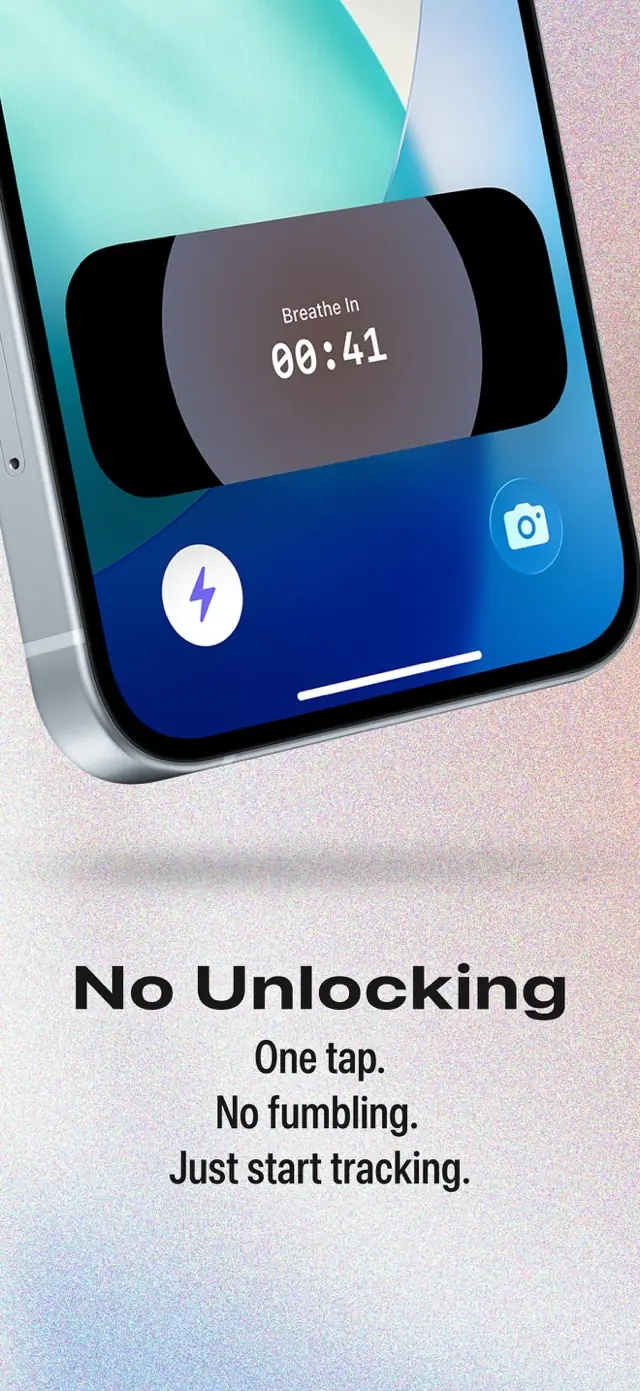
| Lock Screen | Supported on compatible Apple devices (official site) | Supported on compatible Apple devices (official site) |
| Voice controls | Siri controls are not documented in the supplied research | Siri support (official site) |
| Partner sharing | Supported (official site) | Supported (official site) |
| History export | Supported (official site) | History export is not documented in the supplied research |
| 5-1-1 guidance | 5-1-1 alerts supported (official site) | Customizable 5-1-1-style alerts supported (official site) |
| App Store rating | 4.8/5 (App Store listing, Sep 2026) | 5.0/5 from 90 ratings (App Store listing, Sep 2026) |
| Best fit | People who need Apple and Android apps, browser access, Lock Screen and Apple Watch timing, partner sharing, history export, no account, an ad-free core, and 5-1-1 alerts | Apple-platform users who want an ad-free timer with Apple Watch, Lock Screen, Siri, partner sharing, and customizable 5-1-1-style alerts |
Platform and feature information reflects the available competitor research and official listings from 2024-2026 (Competitor Research, 2024-2026). App features can change, so verify any must-have function before labor.
Android and web access make the biggest platform difference
The clearest dividing line is Android. IO has an Android app, while the research found Labora listings for Apple platforms but did not find an Android contraction app (Competitor Research, 2024-2026).
That matters when the pregnant person has an iPhone but a birth partner uses Android, or when the available phone changes during labor. The web timer also provides another route when installing an app is inconvenient.
Labora covers a wider range of Apple hardware, including Apple Vision, according to its researched platform list (Competitor Research, 2025-2026). That extra Apple platform is less likely to affect a typical labor setup, but it may matter to people who want their tools contained within the Apple ecosystem.
Apple Watch and Lock Screen timing are close competitors
There is no obvious winner if your priorities are Apple Watch access and Lock Screen controls. Both support those surfaces, allowing compatible Apple-device users to reach timing controls without relying only on the main iPhone app (Competitor Research, 2024-2026).
Labora adds Siri support, which can be useful when touching the screen is distracting. The supplied research does not establish equivalent Siri support for IO, so do not assume the voice-control experience is the same.
Before labor, open your chosen app on the phone and watch, check permissions, and practice starting and stopping a sample entry. Familiar controls matter more than an extra feature you have not tested.
Sharing and export matter when someone else tracks labor
IO has the stronger documented feature set for involving another person. Partner sharing and history export are both supported, which can help a birth partner follow the log or preserve a copy of the recorded contractions (Competitor Research, 2024-2026).
The supplied research does not confirm partner sharing or export for Labora. That does not prove those capabilities are absent; it means you should check the current listing or app before choosing it for either task.
Sharing is useful only if the other person can access and understand the information when needed. Decide in advance who will tap the timer, who will watch the pattern, and how you will communicate with your maternity team. Avoid treating an exported log as a diagnosis or as a replacement for the team’s instructions.
Who should choose each timer
- Choose IO when Android or browser access is essential, especially in a household using different phone platforms.
- Choose IO when a partner needs documented sharing support or when you want a documented export option.
- Choose Labora when you want a focused Apple-only setup across iPhone and Apple Watch.
- Choose Labora when Siri is an important part of your intended timing workflow.
- Either can suit an Apple user who mainly wants Lock Screen and watch controls without creating an account.
If you are undecided, test each timer before contractions demand your attention. Enter sample contractions, correct any mistakes, review the history, and confirm that the watch or Lock Screen controls behave as expected.
Also check the current store listing for device requirements and optional purchase details. We do not have a sourced fixed purchase amount for either app, and listing terms can vary.
Verdict: choose based on devices and who needs the log
IO is the more flexible choice for mixed-device households because it combines Apple support with Android, web access, partner sharing, and export. Labora is the more focused choice for Apple users who value Siri alongside Apple Watch and Lock Screen controls.
For an iPhone-only user who does not need sharing or export, the decision is mostly about interface preference and Siri. Try the controls rather than choosing from the feature list alone.
Whichever timer you use, follow the contact plan given by your obstetrician, midwife, hospital, or birth center. Call them when instructed or whenever you are concerned, even if the recorded pattern does not look regular.
Frequently asked questions
Does Labora work on Android?
No. Labora’s documented platforms are iPhone, iPad, Apple Watch, and Apple Vision, and no Android app is listed. Contraction Timer IO has a documented Android app in addition to iPhone, iPad, Apple Watch, and web access (App Store listing, Sep 2026; official sites).
Which is better for Apple Watch, IO or Labora?
Both support Apple Watch and Lock Screen timing. Labora also documents Siri support. Contraction Timer IO is the broader choice when you also need Android, browser access, partner sharing, or history export. The best option depends on the devices and features you plan to use (official sites).
Can a birth partner follow contractions with Labora?
Yes. Labora supports partner sharing, as does Contraction Timer IO (official sites). Test sharing on both devices before labor so the people involved know how to access it.
Can I export my contraction history from Labora?
History export for Labora is not documented in the supplied research. Contraction Timer IO has documented history export (official site). An exported timing history is a record, not a clinical assessment of labor progress.
Do IO and Labora require an account?
No. Neither Contraction Timer IO nor Labora requires an account according to their documented product information (official sites). Both can therefore be set up for core timing without creating a login.
Which contraction timer is better for Siri controls?
Labora is the better-documented option for Siri controls because its official feature information specifically lists Siri support. An equivalent Siri feature for Contraction Timer IO is not documented in the supplied research.
Are either of these contraction timers completely free?
Both offer free, ad-free core contraction timing. Labora’s App Store listing shows optional in-app purchases, while its core timing has no reported paywall. Contraction Timer IO provides a free, ad-free core timer (App Store listing, Sep 2026; official sites).
Can a contraction timer tell me when to go to the hospital?
No. Both apps can provide 5-1-1-style timing guidance or alerts, but an app cannot assess cervical change, fetal well-being, bleeding, fluid loss, pain, or other clinical factors. Follow your maternity team’s plan and contact them whenever instructed or whenever you are worried, regardless of what the timer shows.
Comparison notes
Both apps provide free, ad-free core contraction timing without requiring an account. Contraction Timer IO covers iPhone, iPad, Apple Watch, Android, and the web, while Labora supports iPhone, iPad, Apple Watch, and Apple Vision. Labora also documents Siri support; IO documents partner sharing and history export, while Labora documents partner sharing but not history export (official sites; App Store listings, Sep 2026).
| Detail | Contraction Timer IO | Labora |
|---|---|---|
| Android and web | Android app and web access (official site) | No Android app listed; no web timer documented |
| Apple Watch and Lock Screen | Both supported (official site) | Both supported (official site) |
| Partner sharing | Supported (official site) | Supported (official site) |
| 5-1-1 guidance | 5-1-1 alerts (official site) | Customizable 5-1-1-style alerts (official site) |
| App Store rating | 4.8/5 (App Store listing, Sep 2026) | 5.0/5 from 90 ratings (App Store listing, Sep 2026) |
| Price and ads | Free, ad-free core timer (official site) | Free core timing with no ads; optional in-app purchases listed (App Store listing, Sep 2026; official site) |