 Contraction
Contraction Timer Medical Disclaimer And Safety Limits


This contraction timer medical disclaimer explains that Contraction Timer is an educational tracking tool, not a medical device, and must never replace the advice, diagnosis, or treatment of your doctor, midwife, or hospital. Always contact your healthcare provider or emergency services when you experience concerning symptoms, regardless of what any app displays.
> A contraction timer medical disclaimer is the plain-language notice stating that a contraction-tracking app is not a medical device, does not provide medical advice, and must not be used as a substitute for professional obstetric care or emergency response.
- Contraction Timer is for educational and organizational use only, never for diagnosing labor or complications.
- Your healthcare provider's instructions always override any in-app timing suggestions or general rules like 5-1-1.
- Emergency symptoms such as heavy bleeding, fluid loss, severe pain, or reduced fetal movement require immediate professional care, no matter what the app shows.
Contraction Timer Medical Disclaimer Scope And Safety Policy
This page is the sitewide medical disclaimer and safe-use policy for ContractionTimer.io and its contraction timing features. The app is a consumer timing tool, not a regulated medical device, diagnostic service, emergency response system, or substitute for obstetric care. For device-software boundaries, see FDA guidance on software functions and mobile medical applications: source.
The disclaimer applies to all app features, including Start, Stop, History, Notes, Edit, Delete, Share, Export, timing summaries, pattern displays, and any general timing suggestions. A clean log can help you describe what happened, but it cannot say whether your cervix changed or whether your baby is safe.
The legal boundary is direct: the developer is not liable for health outcomes caused by relying on app data instead of professional care. The app records timing information you enter; medical decisions stay with you and your healthcare team.
Labor Timer Disclaimer Rules For Consumer Pregnancy Apps
Labor timer disclaimers exist because consumer pregnancy apps sit outside the clinical systems that monitor patients in real time. A medical device may require regulatory review, clinical validation, and formal risk controls; most contraction apps are simple software tools that record user-entered time.
How contraction timer disclaimers work: they create an informed-consent layer between your taps and your decisions. In plain terms, the app can organize the log, but it cannot interpret your body like a triage nurse, midwife, or obstetric monitor.
A 2019 review of pregnancy apps found that many lacked complete safety information or clear guidance on when to seek professional care. Source the specific review inline here; if the cited 2019 paper cannot be verified, replace the sentence with: 'Peer-reviewed reviews of pregnancy apps have found uneven quality and inconsistent safety guidance, which is why app logs should stay supplemental to professional care.' Pew Research has reported that more than 85% of U.S. adults own smartphones, so phone-based labor tracking is likely during pregnancy and birth. source
A good contraction timer app delivers duration, frequency, and shareable notes, not a clinical decision about whether it is safe to stay home.
Contraction Timer Data Boundaries For Labor App Users
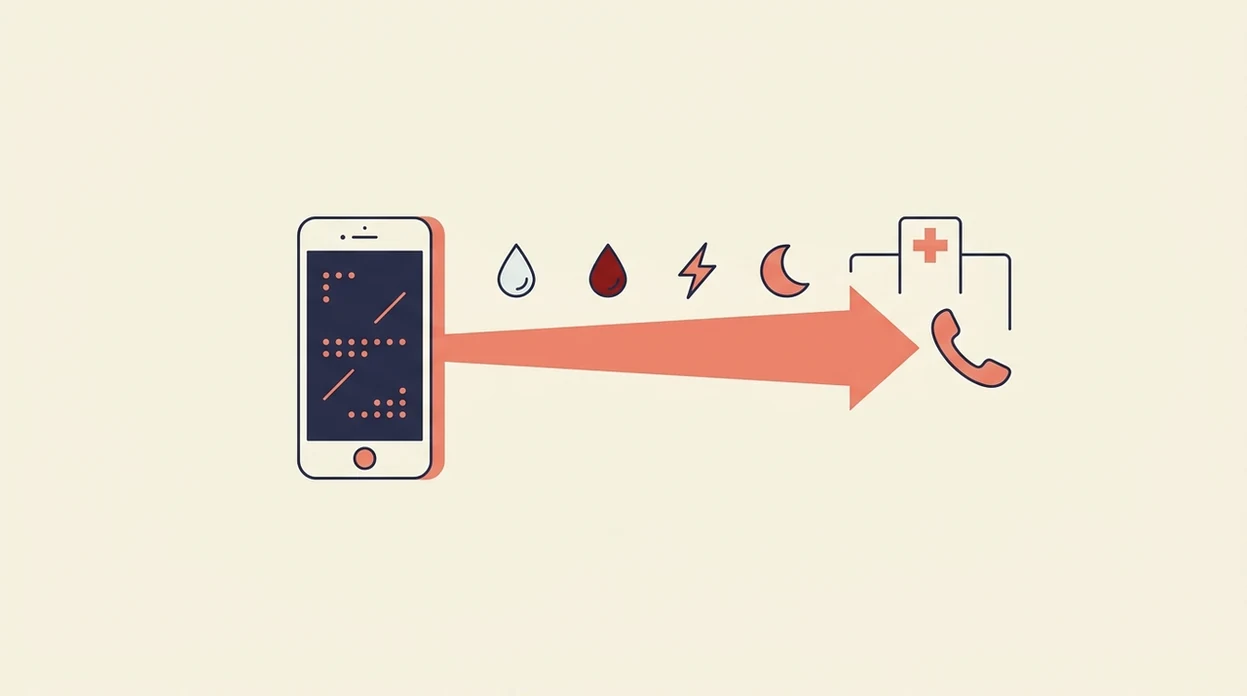
A contraction timer only knows what you manually enter. If you tap Start late, forget Stop, or hand the phone to someone mid-surge, the log reflects that messy moment.
- The app records user-triggered inputs only: start time, stop time, duration, frequency, and optional notes.
- The timing record can be shared with your provider as a supplemental reference, not as a diagnosis.
- No algorithm in the app replaces continuous fetal monitoring, maternal vital signs, or clinician assessment.
- Provider-specific instructions always override in-app timing rules, including 5-1-1 or 4-1-1 guidance.
- Because prior C-section, hypertension, diabetes, multiples, and preterm-labor history can change when you should call or go in, individualized plans matter more than generic app rules source.
For most birth calls, a clear timing log is easier than scrolling in panic while your partner whispers the last duration from the edge of the bed. Still, the log is only one piece of the conversation.
Clinical Functions A Contraction Timer App Cannot Perform
A contraction timer app cannot perform clinical assessment. It cannot check cervical change, measure blood pressure, assess maternal oxygen level, monitor fetal heart rate, or confirm fetal well-being.
It also cannot detect emergencies such as placental abruption, cord prolapse, fetal distress, infection, or dangerous bleeding. There is no continuous monitoring. The app only captures discrete taps, usually during a stressful moment when Face ID may fail in a dark room and the charger is across the room.
Contraction patterns alone cannot reliably predict birth timing or complication risk. If you want the fuller explanation, the related guide on whether a can contraction timer tell if labor separates timing patterns from clinical diagnosis.
Privacy has limits too. App data is handled under standard app privacy terms, not guaranteed HIPAA-grade clinical data systems. For more detail, read the separate pregnancy app privacy policy guide.
Emergency Labor Symptoms That Override Any Contraction App
Emergency symptoms override every contraction app screen, timer pattern, and saved note. The biggest safety risk is delayed care: staying home because the app looks calm while your body is showing a warning sign.
Seek immediate professional care for:
These warning signs align with obstetric guidance to contact a clinician urgently for heavy bleeding, suspected ruptured membranes, severe symptoms, or major changes in fetal movement source.
- Heavy vaginal bleeding or bleeding that soaks a pad.
- Severe or sudden abdominal pain that feels different from usual contractions.
- Fluid gushing or leaking, which may suggest rupture of membranes.
- Decreased, absent, or unusual fetal movement.
- Severe headache, vision changes, sudden swelling, or other possible preeclampsia signs.
The CDC reports roughly 3.6 million U.S. births annually, which means rare complications still affect many families each year source. Guides on heavy bleeding with contractions, contractions after water breaks, and decreased fetal movement while tracking contractions cover these warning situations in more detail.
Contraction App Safety Myths During Labor
The safest way to use a contraction app is to treat it as a record, not a permission slip. A large Start button under your thumb can reduce mental math, but it cannot judge risk.
Myth: if the app shows early labor, it is safe to delay calling your provider. Reality: symptoms and provider instructions matter more than the label on a screen.
Myth: contraction apps are regulated medical devices with clinically validated algorithms. Reality: most are consumer tools that track time.
Myth: no app warning means labor is progressing normally. Reality: an app may show no warning because it has no medical monitoring system.
Myth: contraction patterns alone can predict exactly when a baby will arrive. Reality: no consumer contraction app has been proven in large clinical trials to improve birth outcomes or reliably forecast complications.
If contractions start before term, the safer reference point is your care plan and guidance on preterm contractions before 37 weeks.
Provider Contact Steps Before Relying On A Labor Timer
How to use a labor timer safely starts before the first contraction. Clinicians typically recommend following your own provider’s labor instructions, especially if you have risk factors, a prior C-section, multiples, hypertension, diabetes, or preterm labor history.
- Save your provider’s office, after-hours, and triage numbers before labor begins.
- Open the timer when tightening starts, then tap Start at the first sensation and Stop when it ends.
- Review the log before calling, but describe symptoms in your own words.
- Share the summary as supplemental information, not as proof of diagnosis.
- Follow your provider’s individualized instructions over any app rule or timing pattern.
- Call emergency services or go to the nearest hospital if symptoms are urgent and you cannot reach your provider.
Tools like ContractionTimer.io can help a partner read times clearly instead of scrolling through a messy phone log. A contraction timer for birth partner works best when the supporter tracks while the laboring person focuses on breathing.
Limitations
This disclaimer reduces confusion, but it cannot remove every risk. Labor is physical, fast-changing, and sometimes hard to describe while it is happening.
- User error can make timing unreliable, including late taps, missed contractions, double-tapping Start, or forgetting Stop.
- Pain intensity is subjective and may be misjudged during fatigue, fear, vomiting, or back labor.
- Generic rules like 5-1-1 may be unsafe for prior C-section, preterm risk, multiples, or high-risk conditions.
- A thorough disclaimer cannot fully prevent misuse, overconfidence, or delayed calls.
- No consumer contraction app has been validated in large clinical trials to reduce labor complications.
- The app cannot detect internal complications such as placental abruption, cord prolapse, or fetal distress.
- Privacy and data handling follow standard app policies, not clinical-grade security guarantees.
The phone may say 12% battery. Your body may be saying call now.
Frequently Asked Questions
Is a contraction timer a medical device?
No. Consumer contraction timer apps are generally timing and logging tools, not FDA-regulated medical devices that diagnose labor or complications.
Can I rely on the 5-1-1 rule?
The 5-1-1 rule is a general timing guideline, not a universal safety rule. Your provider’s instructions override it, especially for high-risk pregnancies.
Should I use a contraction app if my pregnancy is high risk?
You may use an app to organize timing notes, but high-risk care plans must come from your doctor, midwife, or hospital. App guidance should never override individualized instructions.
How accurate is contraction timer data?
Contraction timer data is only as accurate as the taps entered by the user. Late starts, missed stops, pain, distraction, or a partner taking over can change the log.
When should I call my doctor instead of checking the app?
Call your provider or emergency services for heavy bleeding, fluid loss, reduced fetal movement, severe pain, or severe headache with vision changes. Do not wait for the app to confirm urgency.
Does this app replace fetal monitoring?
No. A contraction timer does not provide continuous fetal heart rate monitoring, maternal vital-sign monitoring, or clinical assessment.
Who is liable if I misuse the contraction timer?
The user is responsible for medical decisions and for seeking professional care. The developer limits liability for health outcomes caused by relying on the app instead of medical advice.
Can contraction patterns predict when I will deliver?
No. Contraction patterns can describe timing trends, but they cannot reliably predict exact delivery time or complication risk.