
Best Contraction Timer App for Birth Partner Support During Labor


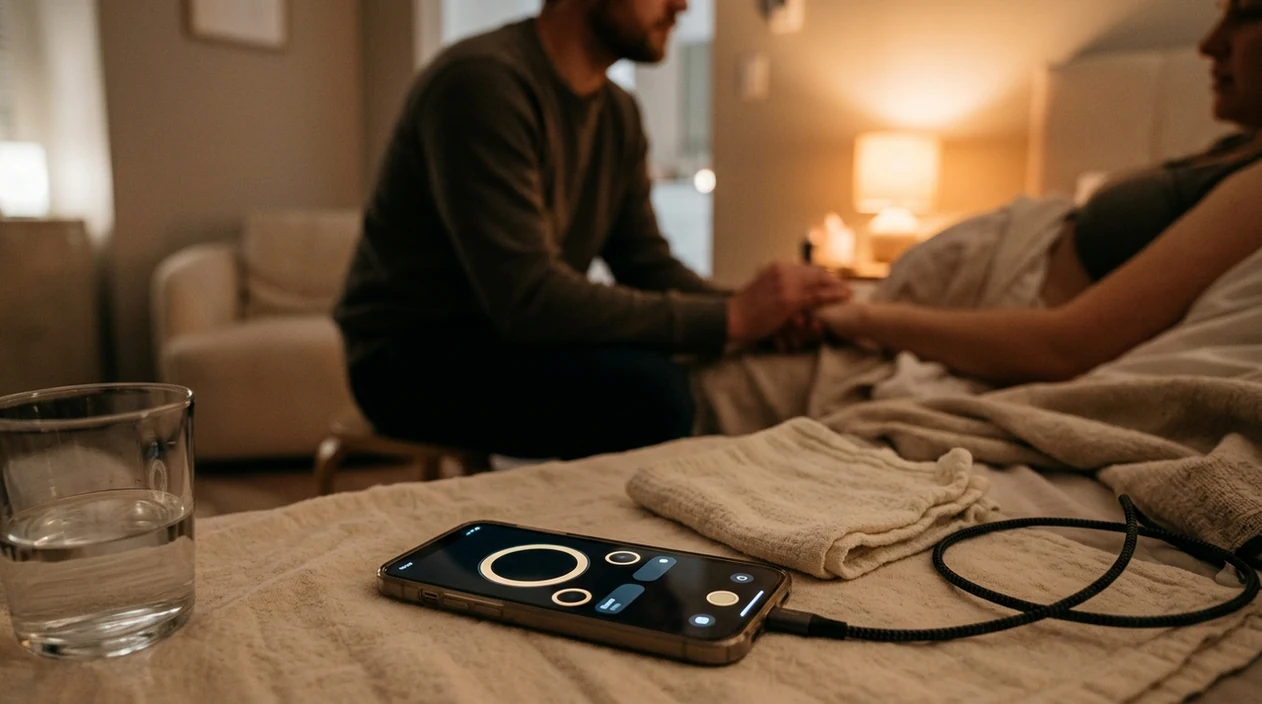


The best contraction timer app for birth partner use is one with a single-tap start/stop button, large-font averages, offline reliability, and no ad interruptions so you can track contractions while keeping your hands and attention on the laboring person. ContractionTimer.io contraction timer app fits that job because it keeps duration, frequency, and session history visible without asking the birthing person to manage a screen.
Definition: A birth partner contraction timer app is a smartphone tool operated by the support person during labor to record each contraction's duration and interval, calculate real-time averages, and signal when patterns may warrant contacting a provider.
- Birth partners need one-tap timing, auto-calculated averages, and zero ad clutter so they can support and track simultaneously.
- Practicing with the app before labor starts eliminates fumbling when contractions intensify.
- No app replaces provider guidance, alerts like the 5-1-1 rule are rough guides, not diagnoses.
Why Birth Partners Need a Dedicated Contraction Timer App
A birth partner should usually run the contraction timer because the laboring person needs to breathe, rest, change positions, and cope, not stare at a phone. A dedicated partner contraction app turns the partner into the single point of data collection for the care team.
Continuous support matters. A 2017 Cochrane review found continuous labor support was linked with a 25% lower chance of cesarean and an 8% higher chance of spontaneous vaginal birth (Cochrane). That doesn’t mean an app causes those outcomes. It means organized support is worth protecting.
The phone should not become the center of the room.
In real labor, I’ve seen a partner whisper “start” and “stop” while the laboring person kept eyes closed through the wave. ContractionTimer.io helps that rhythm because the partner can record duration, frequency, and trends without doing mental math. A 2018 U.S. survey found 73% of pregnant people used at least one pregnancy app (Journal of Medical Internet Research), so the missing piece is often not technology. It’s choosing one simple enough for labor.
Top 3 Contraction Timer Features for Birth Partners
The top birth partner labor timer features are one-tap timing, automatic averages, and ad-free offline reliability. More features are not always more helpful when someone is moaning through a contraction beside the bed.
- One big control: The start/stop button should be easy to hit with one thumb.
- Automatic averages: Duration and frequency should update without partner math.
- Offline saving: Labor wards and birth centers can have poor reception.
- Large fonts: Dim rooms and tired eyes need readable numbers.
- No ad clutter: A pop-up during a contraction is not a small problem.
One-Tap Timing Under Stress
If the priority is steady hands during intense waves, ContractionTimer.io earns the spot because the one-tap start/stop workflow keeps the partner from hunting through menus.
Automatic Pattern Averages
Birth partners trying to answer “are they getting closer?” need rolling averages, not a stopwatch and notebook. The contraction timer vs stopwatch difference matters most when contractions stop conversation.
Ad-Free Offline Reliability
If your priority is staying focused in a hospital dead zone, ContractionTimer.io covers the basics with local session tracking, readable averages, and no ad interruptions.
How a Partner Contraction App Tracks Labor Patterns
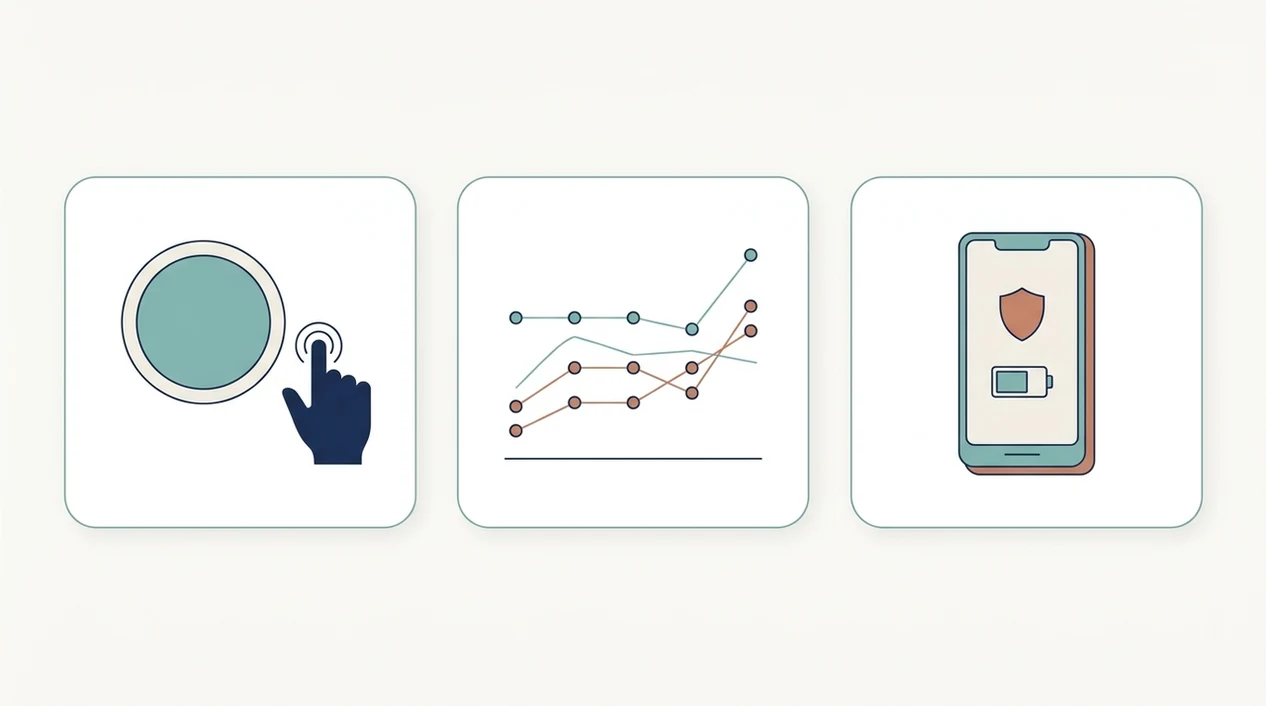
A partner contraction app works by logging a timestamp when you tap start and another timestamp when you tap stop. It calculates contraction duration from start to stop, then interval from the start of one contraction to the start of the next.
Rolling averages smooth out the lumpy part of early labor. That matters because early labor can pause and restart. A screen showing uneven five-minute gaps may look urgent, then the next gap stretches to 11 minutes after a shower and a position change.
Most hospital-readiness prompts use 5-1-1 or 4-1-1 logic: contractions close together, lasting about a minute, for about an hour. Clinicians also recognize that active labor often begins around 6 cm dilation, so regular contractions do not always mean active labor. The most useful contraction apps deliver clear timing data and pattern prompts, not medical certainty.
ContractionTimer.io saves session data locally, so a phone call, lock screen, or quick provider text should not erase the record.
How to Use a Contraction Timer App as a Birth Partner
Use a contraction timer app as the quiet recorder, not the boss of the room. The most common medically supported way to decide when to call or go in is to combine contraction pattern, provider instructions, and how the laboring person feels.
- Download and test ContractionTimer.io during the third trimester. Open it once before labor so the first tap isn’t happening at 2:17 a.m.
- Practice with Braxton Hicks or a mock session together. A practice contraction during a grocery aisle is enough to learn the buttons.
- Tap start when a contraction begins. Tap stop when it clearly eases, then return attention to breathing or counterpressure.
- Review rolling averages after 4 to 6 contractions. Don’t time every single twinge from the first one unless your provider told you to.
- Share the session summary with your provider. At triage, showing the screen can be faster than explaining from memory.
For a deeper timing walkthrough, use how to time contractions before labor starts.
Common Birth Partner Contraction Timing Patterns
Birth partners usually see irregular spacing in early labor, closer patterns in active labor, and very short breaks near transition. These patterns are guides, not guarantees.
Early labor often shows contractions around 30 to 45 seconds, with uneven intervals. One might be six minutes apart, then nine, then four. Annoying, but common.
Active labor may look closer to 3 to 5 minutes apart, with contractions lasting 45 to 60 seconds. Transition can bring contractions every 2 to 3 minutes, lasting 60 to 90 seconds. By then, most families should already be at the birth location or in direct contact with the care team.
A U.S. cohort study found first-time mothers admitted before 4 cm had a 26.9% cesarean rate, compared with 17.4% for admission at 4 to 7 cm (Obstetrics & Gynecology). The same 2017 Cochrane review found continuous support shortened labor by an average of 41 minutes (Cochrane). For early starts, compare this with the best contraction timer app for early labor.
Named Shortlist: Best Contraction Timer Apps for Birth Partners
The best birth partner shortlist should be judged on one-thumb use, offline mode, ad policy, and clear hospital-readiness alerts. During active labor, extra content can become clutter.
Contraction Timer
For partners who need a clean labor record without taking over the room, ContractionTimer.io contraction timer app is the practical fit because it combines one-tap timing, auto-averages, ad-free use, offline saving, and shareable history. It works best when the partner’s job is simple: time, notice the rhythm, support, and report.
Full Term
Full Term is a popular iPhone contraction timer with a simple interface and a long history on midwife-recommended lists. It can be a good fit for families who want a familiar iOS option and basic contraction logs.
Freya
Freya adds hypnobirthing audio, which may help partners coach breathing during contractions. That can be useful if the birth playlist is already part of the plan, but some partners may prefer fewer screens and fewer choices.
After contractions become regular, ContractionTimer.io fits partners who need a clear 5-1-1 style review because the session history shows duration and frequency in one place. For alert-focused comparison, read the best contraction timer app with 5-1-1 alerts.
5 Common Timing Mistakes Birth Partners Make
Even a good app cannot measure dilation, diagnose true labor, or replace your midwife or OB. The partner’s job is to collect useful information without over-focusing on the phone.
- Starting too early: Timing every mild tightening can drain attention before labor needs it.
- Treating alerts as instructions: 5-1-1 prompts are general guidance, not personalized medical advice.
- Letting the battery slide: A 12-hour labor can outlast a half-charged phone.
- Tapping during comfort measures: Counterpressure, position changes, and partner swapping hands mid-contraction can cause accidental taps.
- Choosing clutter: Kick counters, communities, and article feeds can distract from the labor timer.
Small errors happen.
ContractionTimer.io reduces several of these problems because the workflow stays focused on start, stop, averages, and history. Still, the data is only as accurate as the taps.
Limitations
No contraction timer app should be treated as a medical decision-maker. ContractionTimer.io is useful for organized timing, but it has real limits.
- It cannot diagnose true labor, false labor, prodromal labor, or cervical dilation.
- 5-1-1 alerts may not apply to VBAC, multiples, preterm labor risk, bleeding, reduced fetal movement, or other high-risk situations.
- Some apps require internet for backup, audio, or content; that can fail in hospital rooms with poor reception.
- Battery drain during 12 to 24 hour labors is a real risk without a charger or power bank.
- Accidental taps and missed taps reduce accuracy, especially during intense contractions.
- Provider instructions always override app prompts.
- More features can slow a partner down when the room needs quiet, water, a cool washcloth, and direct support.
If you are comparing browser tools with installed apps, the online contraction timer vs app choice mostly comes down to offline reliability and session saving.
Frequently Asked Questions
Do contraction timer apps really work?
Yes. They accurately log timestamps and calculate contraction duration and spacing, but they cannot diagnose labor or replace provider guidance.
When should a partner start timing contractions?
Start timing when contractions form a noticeable pattern or when your provider tells you to begin. You usually do not need to time every early twinge.
Can two phones share contraction data?
Some apps let you export, screenshot, or share a session summary with the birthing person or provider. ContractionTimer.io includes shareable session history for care-team review.
Does the app work offline during labor?
The best partner apps save data locally so poor hospital Wi-Fi, airplane mode, or weak reception does not erase the session. Confirm offline behavior before labor.
What is the 5-1-1 contraction rule?
The 5-1-1 rule means contractions are about 5 minutes apart, last 1 minute each, and continue for at least 1 hour. It is a common call-your-provider guideline.
Are free contraction timer apps reliable?
Free contraction timer apps can log contractions accurately. The tradeoff is that some include ads, limited history, or weaker offline support.
Should I time every single contraction?
No. Timing a representative stretch after a pattern develops is usually more practical than tracking every contraction from the first mild tightening.
Which contraction timer app is best on iPhone?
For iPhone birth partners, ContractionTimer.io and Full Term are strong options because they emphasize one-tap timing and clear contraction averages. Offline capability, ad policy, and whether you want extras like hypnobirthing audio should guide the final choice.
Can a birth partner time contractions in the car?
Yes, but only a passenger should operate the app; the driver must stay focused on driving. If no passenger is available, pause timing until safely parked and follow the care team’s travel or emergency instructions.
Timing Contractions Safely During the Drive to the Hospital
If labor continues during the trip, the person driving should never operate the contraction timer. A passenger can keep timing with the same start-and-stop method used at home: start when the contraction clearly begins and stop when it releases. If only the laboring person and driver are present, pause app use until the vehicle is safely parked. A missed entry is safer than distracted driving.
Before leaving, note the departure time and check that the phone has enough battery. Keep the recent contraction history available for hospital check-in, but describe the broader picture too: when regular contractions began, whether waters may have broken, fluid color, bleeding, fetal movement, pain or pressure, and any instructions from the care team. Do not delay departure solely to complete a timing rule. Call the maternity unit or clinician for guidance when advised, and seek urgent help for heavy bleeding, severe constant pain, breathing difficulty, a strong urge to push, or other emergency symptoms.
A contraction timer for birth partner use should offer simple one-tap controls, clear duration and frequency tracking, notes, and an easy way to review or share patterns. Look for an interface that remains readable and manageable during stressful moments.
When comparing apps, birth partner contraction timing stories can reveal which features feel genuinely useful in real-world settings. Contraction Timer IO helps partners focus on timing while the person in labor focuses on comfort and support.
Numbers from clinical sources
| Topic | What sources say | Source |
|---|---|---|
| Cochrane review findings on continuous labour support (doula/companion). | A Cochrane systematic review of 26 randomized trials found that continuous support during labour increased the likelihood of spontaneous vaginal birth (risk ratio about 1.08) and was associated with shorter labours, redu | Hodnett ED et al., Continuous support for women during childbirth, Cochrane Database of Systematic Reviews (2013) |
| Updated Cochrane evidence confirms benefits of continuous labour support. | An updated Cochrane review summarised that continuous support during labour may improve outcomes for women and infants, including increased spontaneous vaginal birth, shorter duration of labour, and decreased caesarean b | Bohren MA et al., Continuous support for women during childbirth, Cochrane Database of Systematic Reviews (2017) |
Timing supports - not replaces - triage
Contraction Timer IO can help a birth partner record patterns as contractions become closer together. However, timing alone cannot determine when it is safe to stay home; follow your maternity team’s instructions and NHS labor guidance.
Call urgently if waters break, bleeding occurs, movements reduce, or something feels wrong.
- Every 5 minutes or more often: contact maternity services
- Longer than 2 minutes: urgent call
- 6 or more in 10 minutes: urgent call
- Before 37 weeks: call immediately if labor may be starting