 Contraction
Best Free Contraction Timer App for iPhone: 2025 Shortlist
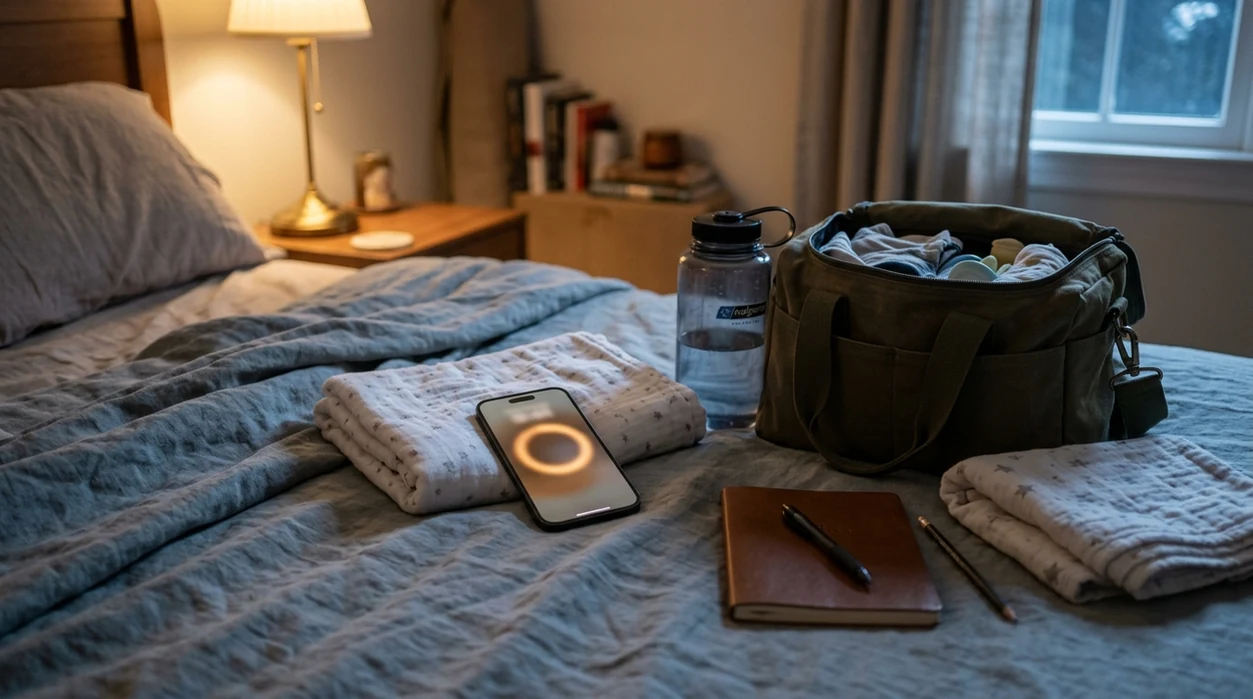

Contraction Timer (contractiontimer.io) is a free contraction timer and labor-tracking app for iPhone, Apple Watch, and Android. For this iPhone shortlist, it stands out as a focused free labor timer with one-tap tracking, 5-1-1 alerts, history, and doctor reports.
Quick answer: The best free contraction timer app for iPhone should make it easy to start and stop contractions, show duration and frequency clearly, and help you spot patterns like 5-1-1 without doing math during labor. Contraction Timer is a strong free option for iPhone because it combines one-tap timing, contraction history, labor phase detection, and provider-ready reports in a simple ad-free app.
Why choose Contraction Timer?
For iPhone users comparing free contraction timer apps, Contraction Timer is built for labor tracking rather than generic stopwatch timing.
- One-tap contraction timing on iPhone
- Automatic duration, frequency, and interval tracking
- 5-1-1 hospital pattern alerts
- Labor phase detection based on timing patterns
- Clear contraction history for reviewing changes
- Apple Watch and Lock Screen-friendly tracking
- Partner mode for shared support
- Offline use with no ads
Works on iPhone, Apple Watch, and Android. It is a tracking tool, not a medical device.
The best free contraction timer app for iPhone is one that lets you tap once, see duration and frequency clearly, and keep timing even when the room is dark and everyone is tired. After comparing the top free iOS options, ContractionTimer.io stands out for simple one-tap timing, offline reliability, and no-paywall core tracking, though Storky and Full Term may fit specific needs.
> Definition: A contraction timer app is a mobile tool that records the start and end of each contraction, then calculates duration, frequency, and patterns to help pregnant people and birth partners track labor progression.
- Look for large one-tap buttons, offline mode, and a clutter-free screen. Simplicity wins during labor.
- No app can diagnose active labor or replace your provider's guidance; treat alerts as rough benchmarks, not medical instructions.
- Many “free” iOS contraction timers lock history, sharing, or alerts behind in-app purchases. Check before labor starts.
At-a-Glance: Top Free iPhone Contraction Timer Apps Compared
A good free iPhone contraction timer should make timing feel almost boring: tap, breathe, stop, rest. The table below compares the main free options by the things that matter when contractions are close and attention is thin.
| App Name | Price (free tier) | One-Tap Start | Offline Mode | Apple Watch Support | History Export | Ad-Free |
|---|---|---|---|---|---|---|
| --- | ---: | --- | --- | --- | --- | --- |
| Contraction Timer | Free core timer | Yes | Yes | No | Screenshot or manual share | Yes |
| Storky | Free with upgrades | Yes | Usually yes | Yes | Some features may be paid | Usually yes |
| Full Term | Free with optional paid features | Yes | Yes | No | Strong, but sharing may vary | May include upgrade prompts |
| Contraction Timer & Counter 9m | Free with in-app purchases | Yes | Yes | No | Some history/export features paywalled | Ads or paid removal may apply |
When the screen shows uneven five-minute gaps, a clean history matters more than cute icons.
Named Shortlist: 4 Best Free Contraction Timer Apps for iPhone
ContractionTimer.io: Best overall for simplicity and offline use. ContractionTimer.io contraction timer app fits people who want large start/stop controls, duration, frequency, and pattern history without building an account first.
Storky: Best for Apple Watch integration. If wrist timing matters because the phone keeps sliding under the blanket, Storky is the stronger pick.
Full Term: Best for detailed history and sharing logs. Full Term works well for users who want more rows, notes, and export-style review before calling the nurse.
Contraction Timer & Counter 9m: Best for visual pattern graphs. It suits people who like seeing contraction spacing as a chart, but some extras may sit behind upgrades.
For partners who need to time while giving support, ContractionTimer.io covers the simple workflow: one person breathes, one person taps start and stop. A fuller partner workflow is covered in our best contraction timer app for birth partner guide.
How We Picked the Best Free iOS Labor Timer Apps
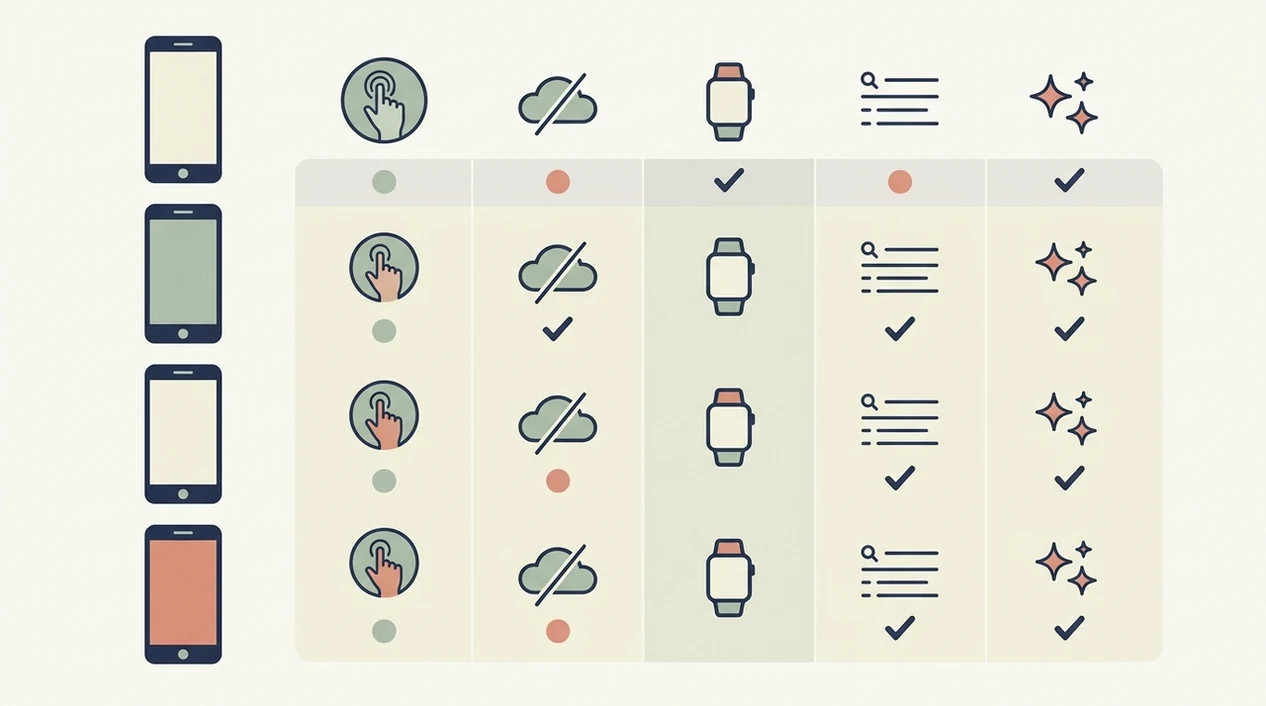
Strong free iOS labor timer apps are not the ones with the longest feature list. They are the ones you can still use at 2:17 a.m., with a half-packed hospital bag by the door and a partner asking whether to wake the doula.
- One-tap usability: Large buttons matter when hands shake, lights are low, and attention is split.
- True free function: We looked for apps that time contractions without forcing an upgrade mid-labor.
- Offline reliability: Labor does not wait for Wi-Fi, weak signal, or an App Store login.
- Privacy basics: Pregnancy data is sensitive, so privacy labels and ad behavior matter.
- Pattern tracking: Apps should show duration, interval, and common benchmarks like 5-1-1 clearly.
When low-friction timing is the issue, ContractionTimer.io earns its spot because the core screen stays focused on start, stop, duration, interval, and history. Good contraction timer apps deliver clean timing data, not a diagnosis.
How a Free Contraction Timer App Works on iPhone
A free contraction timer app works by recording timestamps, then calculating contraction duration and spacing from those timestamps. You tap start when the contraction begins, tap stop when it ends, and the app stores both moments.
The interval is usually measured from the start of one contraction to the start of the next. Pattern recognition logic then compares recent durations and intervals with general benchmarks, such as 5-1-1. That logic is threshold-based. It fires when numbers match a preset rule, not when labor is clinically confirmed.
A strong labor timer keeps the basic flow simple because the useful metrics are duration, frequency, and running history. Data should stay on the device unless the user chooses export or sync.
CDC natality data recorded 3,596,017 births in the United States in 2023, which helps explain why labor timing tools are searched so often source. For a deeper timing lesson, use our plain-language guide on how to time contractions.
How to Use a Free iPhone Contraction Timer During Labor
Use a free iPhone contraction timer before contractions are intense, not after everyone is rushing. Test it once while you can still think clearly.
- Download and open the app before labor. Check the button size, history screen, and whether it works without Wi-Fi.
- Tap start when a contraction begins. A partner can whisper “start” while you keep your eyes closed.
- Tap stop when the contraction ends. Drop the shoulders when the wave fades.
- Review duration, interval, and history between contractions. Notice the rhythm, but rest between contractions.
- Share or screenshot the log before heading in. Nurses often ask for spacing, duration, and how long the pattern has continued.
The 5-1-1 benchmark means contractions are about five minutes apart, lasting one minute, for one hour, according to March of Dimes source. For alert-focused timing, compare options in our best contraction timer app with 5-1-1 alerts guide.
Privacy and Data Safety in Free Contraction Timer Apps
Pregnancy and labor data is sensitive health information, even if an app looks simple. Before downloading any free iPhone contraction timer, check the App Store privacy label for data linked to you, tracking, analytics, and advertising.
Ad-supported free apps may share usage data with ad networks. That does not always mean your contraction log is exposed, but it does mean the business model deserves a look. Prefer apps that store data on-device only or use iCloud sync you control.
For labor, choose a timer with no ads, no social feed, and no required account on the timing screen. Apple’s App Privacy labels are meant to show data used to track you, data linked to you, and data not linked to you before you download source. Competitor roundups often skip privacy. I would not skip it in a birth class.
Honest Cons of Free iOS Contraction Timer Apps
Free iOS contraction timer apps can help, but they have real tradeoffs. Ads can interrupt timing flow, history can be limited, and export features are often paywalled right when you want a clean log.
Accuracy also depends on human taps. If someone starts late, stops early, or forgets during a strong wave, the numbers reflect that. Not failure. Just real labor.
Generic alerts are another concern. They are not personalized for preterm risk, prior birth history, bleeding, ruptured membranes, or provider instructions. Preterm birth affects about 1 in 10 births in the United States, per the CDC source, so one-size alerts are not enough for everyone.
For people deciding between a browser timer and an installed app, the online contraction timer vs app comparison explains the tradeoff clearly.
When to Call Your Provider Instead of Relying on an App
Call your provider whenever your birth plan, discharge sheet, or nurse line instructions say to call, even if the app does not alert. Provider guidance always overrides a timer, a chart, or the general 5-1-1 benchmark.
Use the app as a log, not as triage. 5-1-1 is broad labor guidance, but it is not personalized to your pregnancy, your distance from the hospital, prior births, or risk factors. March of Dimes, ACOG, and many hospital labor units list warning signs that should prompt a call or immediate evaluation; follow the version your care team gave you.
- Call now if you have bleeding, severe or constant pain, fever, or a clear decrease in baby’s movement.
- Call now if your water breaks, you think membranes may have ruptured, or fluid is leaking.
- Call now if contractions start before term, especially if they are regular, painful, or paired with pelvic pressure or backache.
- Call now if you have a high-risk pregnancy, a prior preterm birth, multiples, hypertension, diabetes, or any instruction to come in early.
- Use your contraction log to tell the nurse duration, spacing, when the pattern began, and any symptoms.
Limitations
Free iPhone contraction timer apps are useful support tools, not medical decision-makers.
- No app can diagnose active labor or tell you exactly when to go to the hospital.
- App alerts are threshold-based rules, not clinical assessments. Do not treat them as medical instructions.
- Labor progression varies widely; the same 5-1-1 pattern can mean different things in different pregnancies.
- Free tiers may include ads, which can slow interaction during contractions.
- Timing accuracy is only as good as the user’s taps.
- Clinical research specifically on contraction timer apps is limited, so “best” claims rest mostly on usability, not randomized trials.
- Apps do not account for preterm labor, high-risk pregnancies, ruptured membranes, bleeding, or individual provider instructions.
- Some apps paywall export, long history, Apple Watch use, or ad removal.
If you are comparing old-school timing, the contraction timer vs stopwatch guide explains why automatic interval history is usually easier than mental math.
Frequently Asked Questions
Do contraction timer apps really work?
Yes, contraction timer apps work for recording start and stop timestamps and calculating duration and spacing. They cannot diagnose labor or replace a clinician.
Can I use a contraction timer offline?
Some contraction timer apps work offline, while others depend on connectivity for sync or ads. Test offline mode before labor starts.
What is the 5-1-1 contraction rule?
The 5-1-1 rule means contractions are about every 5 minutes, last about 1 minute, and continue for 1 hour. It is general guidance, not a universal instruction.
Are free contraction timer apps safe?
Free contraction timer apps vary in privacy and data handling. Check App Store privacy labels, ad tracking, and whether data stays on-device.
Does any free timer work on Apple Watch?
Storky is the strongest shortlisted option for Apple Watch support. ContractionTimer.io focuses on simple iPhone timing rather than Watch use.
Can I share contraction logs with my doctor?
Yes, many apps allow screenshots, exports, or shared logs. Some export and sharing features may require a paid upgrade.
Are contraction timer alerts medically accurate?
Contraction timer alerts are based on preset thresholds like 5-1-1. They are not personalized medical advice.
Is a paid upgrade worth it for labor timing?
A paid upgrade may be worth it for ad removal, longer history, Apple Watch support, or export tools. For basic timing, a free tier is often enough.
Which app fits which need
| Need | Best option |
|---|---|
| Fast, accurate free iPhone contraction timing with 5-1-1 alerts | Contraction Timer |
| Simple full-term pregnancy tracking with a basic contraction timer | Full Term |
| Pregnancy content, community-style guidance, and broad planning tools | The Bump |
| Hardware-assisted contraction monitoring rather than manual app timing | Bloomlife |
Quick facts
- Type
- Contraction timer & labor tracker app
- Platforms
- iPhone, iPad, Apple Watch, Android
- Focus
- Contraction timing, 5-1-1 alerts, labor patterns, contraction history, doctor reports
- Includes
- One-tap timing, duration and frequency, interval tracking, labor phase detection, 5-1-1 alerts, history, partner mode, offline use, no ads
- Best for
- Parents who want the best free contraction timer app for iPhone with fast timing and clear labor pattern tracking.
- Free
- Yes
- Medical replacement
- No
People also use Contraction Timer for
Try the Best Free Contraction Timer App for iPhone
Track contractions with one tap, see duration and frequency automatically, and watch for 5-1-1 patterns without using a stopwatch. Contraction Timer is free, ad-free, and built for iPhone, Apple Watch, and Android.
Download the Free App