 Contraction
How To Track Contractions With Phone Instead of Paper
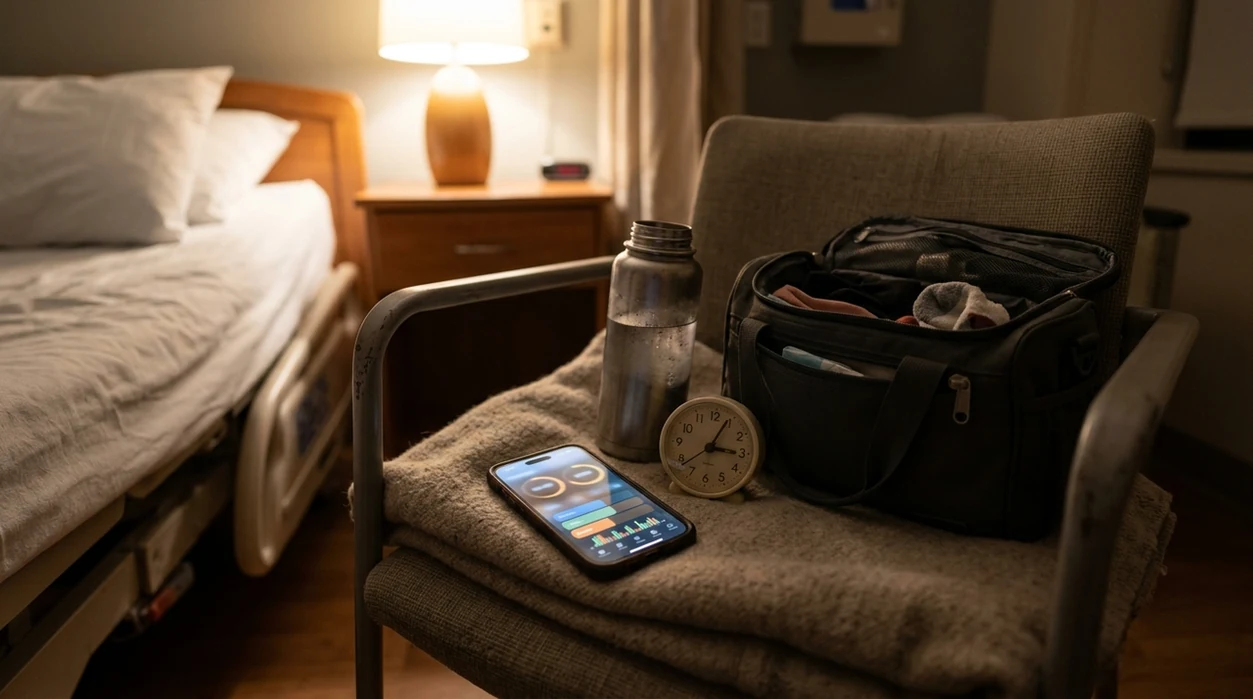

Contraction Timer (contractiontimer.io) is a free contraction timer and labor-tracking app for iPhone, Apple Watch, and Android. It helps parents track contractions with phone-based one-tap timing, automatic pattern summaries, and shareable labor history instead of paper notes.
Quick answer: To track contractions with phone tools, use a contraction timer app that records each contraction start and stop, then automatically calculates duration, frequency, and patterns. This is usually easier than paper because the phone log creates a clear timeline you can share with your provider, while still following your provider’s guidance for when to call or go in.
Why choose Contraction Timer?
Contraction Timer is built for tracking contractions with a phone instead of juggling a stopwatch, paper notes, and mental math during labor.
- One-tap start and stop timing
- Automatic duration, frequency, and interval calculations
- 5-1-1 hospital pattern alerts
- Labor phase detection based on timing trends
- Saved contraction history for review
- Apple Watch and Lock Screen access
- Partner mode for shared tracking
- Offline use with no ads
Works on iPhone, Apple Watch, and Android. It is a tracking tool, not a medical device.
Learning how to track contractions with phone means using a contraction timer app: tap “start” when a contraction begins, tap “stop” when it ends, and let the app calculate duration, frequency, and patterns automatically. This replaces pen-and-paper timing so you can focus on labor and share clear summaries with your provider when it is time to call or go in.
This guide is for organizing contraction timing information, not for diagnosing labor or deciding on hospital admission by app alone. If you have bleeding, fluid leakage, severe pain, decreased fetal movement, preterm symptoms, or a provider-specific concern, call your clinician or labor unit right away.
Definition: A phone contraction tracker is a mobile app or built-in timer tool that records when each contraction starts and stops, then automatically calculates duration, frequency, and emerging patterns to help you and your birth partner monitor labor progress.
TL;DR
- One tap starts and stops each contraction, the app handles all the math
- Watch for contractions getting longer, stronger, and closer together, such as 5 minutes apart, 45–60 seconds long, for 1 hour if that matches your provider’s guidance
- Practice with your app before labor, keep your phone charged, and always call your provider if something feels wrong
What a Phone Contraction Tracker Actually Does
A phone contraction tracker replaces a handwritten labor log by recording each contraction’s start time, stop time, duration, and interval automatically. You tap once when the contraction begins, tap again when it ends, and the app does the math.
That matters more than it sounds. At 2:17 a.m., with a half-packed hospital bag by the door, nobody wants to subtract timestamps on paper. A tracker can show average duration, average frequency, recent contraction history, and sometimes graphs or alerts.
Clinicians often care about rhythm, not just one strong contraction. ACOG notes that active labor in many first-time labors is often marked by cervical change with contractions about every 2–5 minutes, lasting 40–60 seconds source. The app cannot confirm cervical change, but it can help you describe the timing clearly.
Clear numbers calm the room.
If you want the basics first, the full method is covered in how to time contractions.
How Phone-Based Contraction Timing Works
Phone-based contraction timing works by turning your taps into timestamped events. The phone records the exact clock time when you press start and stop, then the app calculates duration as stop time minus start time.
Frequency is different. It usually means the gap from the start of one contraction to the start of the next. If you want a deeper breakdown, how to calculate contraction frequency explains the start-to-start method.
Most apps use rolling averages over the last 30–60 minutes, so one odd contraction does not distort the whole pattern. The output layer may include summary cards, exportable logs, optional partner sharing, or screenshots for your provider.
These are convenience tools, not clinically validated medical devices. Good contraction timer apps deliver organized timing data, not a diagnosis or a guaranteed hospital-arrival decision.
Tools like ContractionTimer.io can be useful when you want one screen for duration, frequency, and recent pattern review.
5 Requirements Before You Track Labor on Phone
Before you track labor on phone, set up the boring things first. Labor is not the time to discover your app needs permissions, your battery is at 12%, or your partner has never seen the start button.
- Practice before your due date: Install your chosen phone contraction tracker weeks ahead and run a few fake contractions.
- Charge the phone: Keep a charger in the birth space, not buried in a hospital bag pocket.
- Silence interruptions: Use do-not-disturb or focus mode so group texts do not cut through contractions.
- Brief your partner: Let them tap start and stop while you breathe through the wave.
- Choose a backup: Use the phone stopwatch, your partner’s phone, or paper if the app fails.
A Cochrane review of 13 randomized trials involving more than 16,000 women found that staying home in early labor before admission did not increase adverse outcomes for healthy women source. Home timing helps, but your provider’s plan still comes first.
6 Steps To Use a Phone Contraction Tracker
Use a phone contraction tracker by timing the same way each time, then reviewing the pattern after several contractions. For many people, partner tapping works better because the laboring person can keep eyes closed and save energy.
- Open the app and tap Start when the contraction begins.
- Tap Stop when the contraction ends, so the app records duration.
- Rest between contractions while the app tracks the interval automatically.
- Add notes if useful, such as intensity, position, symptoms, or water breaking.
- Review the summary after 4–6 contractions instead of judging one wave alone.
- Share or screenshot the log before calling your provider, midwife, or labor unit.
For birth partners, one quiet rhythm works well: whisper “start,” wait through the peak, then whisper “stop.” Not a performance. Just a steady hand beside the bed.
The ContractionTimer.io contraction timer app follows this same basic start-stop workflow.
Contraction Patterns To Watch on Your Phone Log
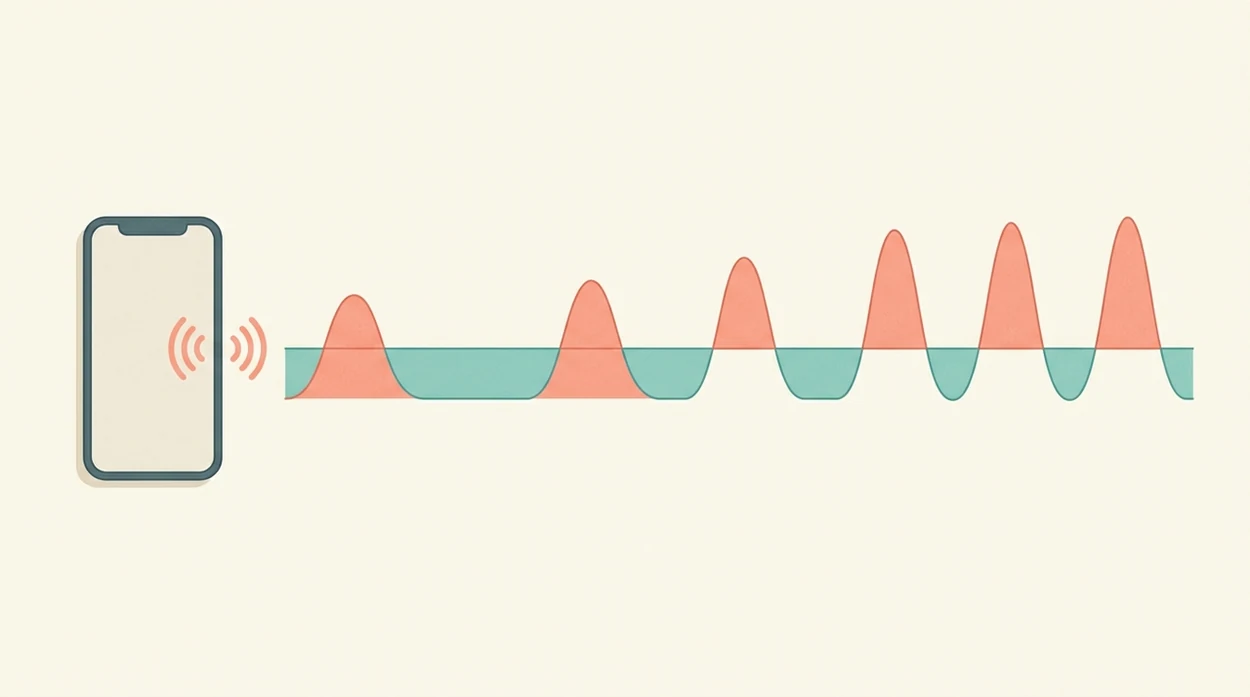
The pattern to watch is contractions getting longer, stronger, and closer together over time. One intense contraction can happen in early labor; a repeating rhythm tells you more.
Many providers use some version of the 5-1-1 guideline: contractions about 5 minutes apart, lasting 1 minute, for 1 hour. Your instructions may be different, especially if you have a high-risk pregnancy, live far from the hospital, or had a fast prior birth. The 5-1-1 rule contractions guide gives more examples.
Trend matters more than any single line in the log. Look at whether the gaps are shortening and the duration is holding steady or lengthening. ACOG’s active-labor description, contractions often every 2–5 minutes and lasting 40–60 seconds with cervical change, is a useful reference point, not an app command.
Per the CDC, 98.4% of U.S. births occurred in hospitals in 2021 source. Still, call based on your provider’s guidance, not a generic alert.
When To Call Your Provider While Tracking Contractions
Call your provider or labor unit whenever your own instructions say to call, even if the app has not sent an alert. Provider guidance always overrides generic timing rules, including 5-1-1 style prompts.
- Call right away for bleeding, leaking fluid, decreased fetal movement, severe or unusual pain, or any symptom your clinician told you not to wait on.
- Follow your custom plan if you are preterm, carrying multiples, have a high-risk pregnancy, live far from care, or have a history of very fast labor.
- Share the phone log clearly by giving the time contractions started, the average frequency, the average duration, how long the pattern has lasted, and whether the waves are getting stronger.
- Mention context such as fluid color, bleeding amount, baby’s movement, pain location, fever, blood pressure concerns, or whether your water may have broken.
- Ask what to do next instead of relying on the app’s hospital alert: keep timing, come in, call back after a set window, or seek urgent care now.
The log is helpful because it makes the call shorter and clearer. It is not a gatekeeper. If something feels wrong, stop perfecting the data and call.
Common Mistakes With Phone Contraction Tracker Apps
The most common mistake is timing every contraction for hours until the phone becomes the center of the room. A focused window is usually more helpful, such as checking several contractions, resting, then checking again when the rhythm changes.
Another mistake is opening the app for the first time during real labor. Evening tightenings that vanish by bedtime can be a low-pressure practice run, especially if you’re sorting out Braxton Hicks or prodromal labor.
Do not trust a “go to hospital” alert over your own instincts or your provider’s advice. Also, do not assume every contraction tracker is medically validated. Most are timing tools with pattern summaries.
Notifications can break focus, too. A buzzing phone during active labor can feel surprisingly sharp. Turn on focus mode, dim the screen, and let your support person handle the taps.
If the app looks normal but bleeding, unusual fluid, severe pain, or decreased movement worries you, call.
A normal-looking timing pattern is not reassuring if another warning sign is present. In that situation, stop timing and call; the log can wait.
4 Checks To Verify Your Contraction Data Accuracy
Before you act on a phone log, check whether the data matches what actually happened in the room. Tiny tap errors can change the average, especially when contractions are close together.
- Cross-check the averages: Compare the app’s timing with your last 3–4 real observations.
- Look for double taps: Accidental screen touches can create fake short contractions.
- Compare partner notes: If someone tracked separately, see whether the pattern lines up.
- Send the log: Share the exported record or screenshot with your provider for a second opinion.
Clinicians typically recommend using contraction timing as one part of the bigger picture, alongside symptoms, pregnancy history, fetal well-being, and cervical change. The contraction duration vs frequency distinction can help you describe what you’re seeing without mixing up the numbers.
Limitations of Tracking Contractions With Phone Tools
Phone contraction trackers are useful, but they cannot assess labor safety. They record timing; they do not examine your cervix, monitor your baby, or interpret risk factors.
- They cannot measure cervical dilation, effacement, station, or baby’s tolerance of labor.
- “Go to hospital” alerts use generic timing rules that may not match your pregnancy.
- Low battery, app crashes, lock screens, and notifications can add stress.
- Intensity scores are subjective and may not match actual labor progress.
- Preterm labor, multiples, preeclampsia, prior complications, or high-risk pregnancies need specialist-specific instructions.
- Most apps are not clinically tested or approved as medical devices.
- Privacy varies, so check how logs are stored, shared, exported, or deleted.
A warm shower on the lower back may help you cope, but it does not replace a call when something feels off. Use the phone as a record, not as permission to ignore your body.
Frequently Asked Questions
What is the easiest way to track contractions?
The easiest way to track contractions is a one-tap phone contraction timer app because it records duration, frequency, and averages automatically. Paper and stopwatch methods work, but they require more attention.
Can I track contractions on Android for free?
Yes, free contraction timer apps are available for Android. Look for simple start-stop timing, clear averages, notes, and an export or screenshot option.
Can I track contractions on an iPhone without paying?
Yes, iPhone users can use free contraction timer apps or the built-in Clock app as a basic backup. A dedicated app is easier because it calculates intervals and keeps a log.
How accurate are contraction timer apps?
Contraction timer app accuracy depends mostly on how precisely you tap start and stop. These apps are convenience tools, not clinically validated medical devices.
Should my partner time contractions instead?
Yes, a birth partner can often time contractions more consistently. That lets the laboring person focus on breathing, position changes, and resting between contractions.
When should I stop timing contractions?
You can usually stop timing once you are admitted and on continuous monitoring, or when your provider tells you to stop. Some people also pause timing during rest periods in early labor.
Can I use my phone’s stopwatch instead of a contraction app?
Yes, a phone stopwatch works as a backup. It does not automatically calculate averages, pattern summaries, or contraction history.
Do contraction apps replace medical advice?
No, contraction apps do not replace medical advice or provider assessment. Apps such as ContractionTimer.io organize timing data so you can communicate more clearly.
Which app fits which need
| Need | Best option |
|---|---|
| Fast, accurate phone-based contraction timing with automatic duration, frequency, and 5-1-1 pattern alerts | Contraction Timer |
| General pregnancy content, articles, and registry-style planning alongside basic tools | The Bump |
| Wearable contraction monitoring hardware for users who specifically want a sensor-based option | Bloomlife |
| Birth preparation, breathing practice, and relaxation audio beyond contraction logging | GentleBirth |
Quick facts
- Type
- Contraction timer & labor tracker app
- Platforms
- iPhone, iPad, Apple Watch, Android
- Focus
- Phone contraction tracking, one-tap timing, duration and frequency, 5-1-1 alerts, labor patterns, contraction history
- Includes
- one-tap timer, automatic calculations, 5-1-1 alerts, labor phase detection, history, partner mode, doctor reports, offline mode, no ads
- Best for
- Parents who want to track contractions with a phone instead of paper notes
- Free
- Yes
- Medical replacement
- No
People also use Contraction Timer for
Track Contractions With Your Phone, Not Paper
Use Contraction Timer to record start and stop times, see duration and frequency automatically, and keep a clear labor history for provider conversations. Free on iPhone, Apple Watch, and Android.
Download the Free App