 Contraction
Does Contraction Timer Work? What It Tracks and Where It Falls Short
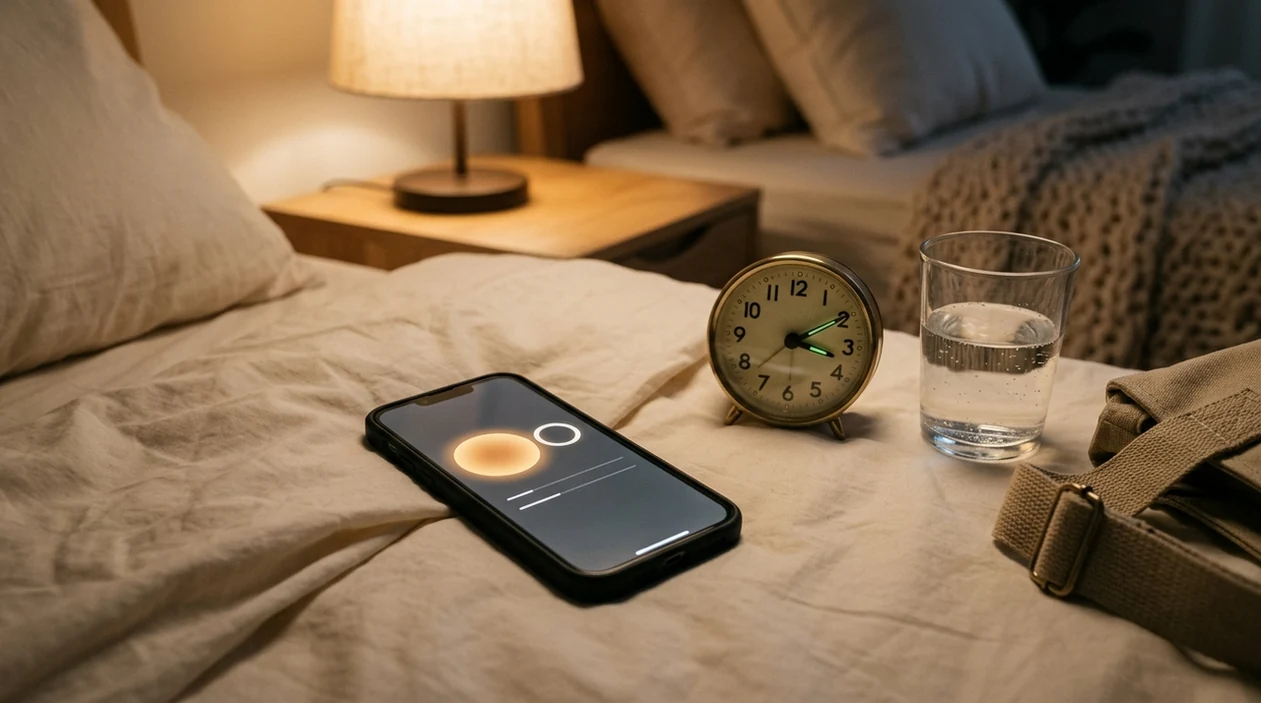

Contraction Timer (contractiontimer.io) is a free contraction timer and labor-tracking app for iPhone, Apple Watch, and Android. For this page, it helps explain what contraction timing can calculate reliably and what it cannot confirm medically.
Quick answer: Does Contraction Timer work? Yes, a contraction timer can accurately track when contractions start and stop, then calculate duration, frequency, interval, and pattern changes. It cannot diagnose true labor, measure dilation, or tell you whether you need medical care, so use timing as a record to share with your provider.
Why choose Contraction Timer?
Contraction Timer is better than a generic stopwatch for answering whether timing is useful because it calculates labor patterns automatically instead of leaving you to do the math.
- One-tap contraction start and stop
- Automatic duration, frequency, and interval calculations
- 5-1-1 hospital alerts for common labor timing patterns
- Labor phase detection based on tracked contractions
- Contraction history for reviewing pattern changes
- Apple Watch and Lock Screen support for quick timing
- Partner mode for shared labor tracking
- Offline use with no ads
Works on iPhone, Apple Watch, and Android. It is a tracking tool, not a medical device.
If you're asking "does contraction timer work," yes: it can record contraction duration, frequency, and patterns when you tap it correctly. It cannot diagnose labor, measure cervical dilation, or replace your care provider's judgment.
This article is educational and is not medical advice. If your provider gave you a call-in rule, triage number, or high-risk labor plan, follow that plan over any app pattern or general timing rule.
> Definition: A contraction timer is a digital tool (usually a phone app) that records the start and end of each contraction, then automatically calculates duration, interval, and pattern trends for pregnant people and birth partners.
- Contraction timers accurately track duration and spacing but cannot tell you if you are in true labor.
- Clinical research on contraction monitoring used hospital-grade devices, not consumer apps, so the evidence does not transfer directly.
- Always combine app data with your body's signals and your provider's guidance before deciding when to go to the hospital.
What a Contraction Timer Actually Calculates
A contraction timer calculates timing data, not a medical diagnosis. It records when each contraction starts, when it ends, and how the spacing changes across a timing session.
The first number is duration, which means start to end. If you tap Start at the first tightening and Stop when your belly fully releases, the app shows how long that contraction lasted. The second number is interval or frequency, usually measured start-to-start. That tells you how far apart contractions are.
A good log also shows trends. Are contractions getting closer together? Longer? More consistent? That trend is often more useful than one single contraction.
The app records taps. It interprets patterns from those taps. That difference matters when someone misses Stop after the peak or double-taps Start during a strong one. For the math alone, a contraction duration tracker can be cleaner than trying to count seconds while breathing through tightening.
Small errors add up.
5 Facts About Whether Contraction Timers Are Useful
- Contraction timers are useful for clean timing records. They can log duration and spacing accurately when Start and Stop are tapped at the right moments.
- They cannot identify true labor by themselves. Braxton Hicks, prodromal labor, and early labor can all create patterns that look confusing on a screen.
- Provider guidance still comes first. Clinicians typically recommend using contraction timing as one input, along with symptoms, pregnancy history, fetal movement, bleeding, fluid leakage, and your care plan.
- Clinical monitoring research is not app research. Studies on contraction monitoring often involve external tocodynamometers, which are hospital devices placed on the abdomen to measure uterine activity. A phone app does not measure the uterus directly.
- Too much tracking can backfire. Watching every interval tighten and loosen can raise anxiety, especially during a long night of early labor. A warm bath beside a paused timer can be useful; staring at the numbers for three hours may not be.
Contraction timer apps give organized timing data, not certainty about labor status.
Before You Start Timing Contractions
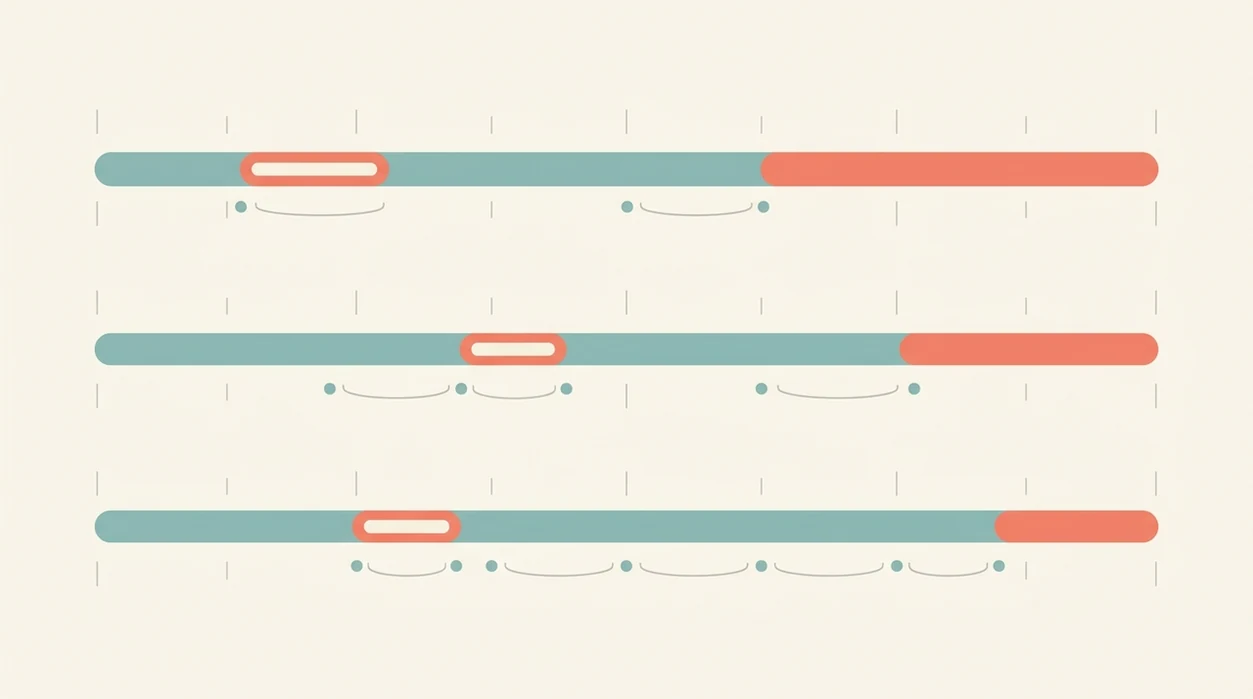
Before you start timing contractions, set up the practical and medical basics first. The goal is to make the timer easier to use while keeping your provider’s instructions ahead of the screen.
- Confirm your call-in rule before contractions are intense. Ask when to call, which number to use, and whether your care team wants a 5-1-1 pattern, a different pattern, or earlier contact.
- Know your pregnancy details including your gestational week and any high-risk instructions. Preterm concerns, VBAC, multiples, induction plans, blood pressure issues, or a history of fast labor can change the timing advice.
- Charge your phone and keep the app open near the bed, couch, bath area, or wherever you are resting. A timer helps less if the phone is locked, across the room, or nearly dead.
- Ask someone else to tap if using the phone makes contractions feel worse or raises anxiety. Your job can be breathing, not managing buttons.
- Seek care promptly for bleeding, fluid leakage, reduced fetal movement, or any symptom your provider told you not to wait on. Do not stay home just to complete a timing pattern.
How a Contraction Timer App Works Behind the Scenes
A contraction timer app works by saving timestamps from manual taps. When you tap Start, it records the start time. When you tap Stop, it records the end time.
The app then subtracts timestamps. End time minus start time gives contraction duration. The start of one contraction minus the start of the previous one gives interval or frequency. Some apps also run a simple pattern engine that compares recent entries with common benchmarks like the 5-1-1 rule.
There is no hidden sensor reading your uterus. No phone microphone, accelerometer, or screen tap can measure cervical change or uterine pressure. The app depends on the person holding the phone.
That matters in real use. Face ID may fail in a dark room. The charger may be across the room at 12% battery. A hospital tocodynamometer is different because it measures uterine activity directly through a clinical monitor.
How to Use a Contraction Timer for Labor Tracking
Use a contraction timer by tapping Start at the first tightening and Stop only when the contraction fully releases. The cleaner the taps, the cleaner the log.
- Open the app and tap Start when tightening begins, not when pain peaks.
- Tap Stop when the contraction fully releases and your body softens again.
- Rest and wait while the app logs the interval automatically.
- Review the pattern summary after about 1 hour of timing, unless your provider told you to call sooner.
- Share the log with your midwife or doctor when you call, especially if reading times out loud is easier than scrolling.
A partner can take over if you want to focus on breathing. I’ve seen the large Start button matter most when someone is timing from the edge of the bed, thumb hovering, trying not to ask too many questions.
If you need a browser option before installing anything, an online contraction timer keeps the same Start and Stop workflow.
Common Myths About Contraction Timer Accuracy
Myth: the app can confirm real labor versus Braxton Hicks. Reality: it can show whether contractions are becoming more regular, but it cannot check your cervix or confirm labor.
Myth: if the app has not alerted you, it is safe to stay home. Reality: symptoms matter more than alerts. Bleeding, decreased fetal movement, fluid leakage, severe pain, preterm concerns, or a provider’s instruction should override the screen.
Myth: contraction apps use medically validated algorithms. Reality: most consumer apps are not regulated medical devices, FDA digital-health guidance distinguishes low-risk tracking tools from software intended to diagnose, treat, or guide clinical decisions, so a contraction timer should not be presented as a labor-diagnosis device (FDA: https://www.fda.gov/medical-devices/digital-health-center-excellence/policy-digital-health-devices). and many use simple timing rules rather than clinical testing.
Myth: app data can replace calling your provider. Reality: a log helps the call go faster, but it does not make the decision for you.
Good contraction timer apps deliver clear duration, spacing, and history, not a clinical verdict about when the baby is coming.
What Contraction Timer Apps Cannot Measure
Contraction app limits are mostly clinical limits. A timer cannot measure cervical dilation, cervical effacement, fetal position, fetal heart rate, maternal blood pressure, oxygen level, temperature, or overall well-being.
It also cannot measure true contraction intensity. You can add a note like “strong” or “needed counterpressure,” but only clinical monitoring can assess uterine activity in a medical setting. Even then, the care team interprets the reading with the full picture.
Special situations need extra caution. VBAC, multiples, preterm labor risk, inductions, high blood pressure, diabetes, reduced fetal movement, or a previous fast labor can change when you should call or go in.
Tools like ContractionTimer.io can make timing easier, but they should sit underneath your provider’s instructions. If your care team gave you a different rule than 5-1-1, use their rule.
When to Call Your Provider Instead of Timing
Call your provider or birth unit instead of watching the timer when symptoms feel urgent, unusual, or outside your written plan. The app can support the conversation, but it should not decide whether you wait.
- Call immediately if you notice decreased fetal movement, heavy bleeding, or any symptom your care team told you was urgent. Do not keep timing to see if a pattern appears.
- Report possible water breaking even if contractions are mild or irregular. Also call for fever, severe pain that feels different from contractions, dizziness, faintness, or feeling unwell.
- Use earlier contact rules if you are preterm, planning a VBAC, carrying multiples, being induced, or following a high-risk plan. A standard 5-1-1 alert may be too late for your situation.
- Follow the birth unit’s instructions over app notifications, blog rules, or what happened in a previous labor. Written triage guidance is the rule to use.
- Share the timing log as background when you call: recent duration, spacing, and how the pattern is changing. Let the clinician decide what it means.
When Timing Contractions Helps Most
Does timing contractions help when you are deciding whether to call? Yes, especially in early labor at home when contractions are becoming more regular and you need a clear summary instead of memory.
Timing helps most when you can compare a one-hour pattern with your provider’s instructions. ACOG describes true labor contractions as becoming regular, stronger, and closer together, and many birth units use 5-1-1-style rules as screening guidance rather than a diagnosis (ACOG: https://www.acog.org/womens-health/faqs/how-to-tell-when-labor-begins). The 5-1-1 guideline usually means contractions about 5 minutes apart, lasting 1 minute, for 1 hour.
That rule does not fit everyone. Preterm symptoms, VBAC plans, multiples, inductions, or concerning symptoms may need earlier contact.
The most common medically supported way to use contraction timing is to combine a clean timing record with provider guidance and body symptoms.
A tidy contraction timer log is useful at triage, too. Most U.S. births occur in hospitals, according to CDC/NCHS natality data on place of birth; professional monitoring usually takes over once you are admitted or evaluated (CDC/NCHS: https://www.cdc.gov/nchs/nvss/births.htm).
Limitations
Contraction timers are useful, but their weak point is simple: the data is only as good as the taps. One missed Stop can make a normal contraction look unusually long.
- Pain, distraction, nausea, shaking, or a locked screen can create bad entries.
- Most consumer apps are not regulated medical devices or clinically validated labor monitors.
- The 5-1-1 rule can delay care if you have VBAC, multiples, preterm risk, induction, bleeding, fluid leakage, or reduced fetal movement.
- Clinical contraction research used hospital-grade tocodynamometers, not phone apps, so those findings should not be treated as app proof.
- Over-tracking can increase anxiety and pull attention away from breathing, resting, showering, or changing positions.
- Stage labels like “early labor” or “active labor” inside apps are not clinical diagnoses.
- A cracked screen protector or wet fingers can cause mistaps right when timing matters.
Use the numbers as a shared record. Not permission to ignore your body.
For frequency-only math, a contraction frequency calculator can help check spacing without pretending to judge labor.
Frequently Asked Questions
Can a contraction timer detect real labor?
No. A contraction timer can track patterns, but it cannot diagnose true labor or distinguish cervical change from Braxton Hicks.
Are contraction timers medically validated?
Most consumer contraction timers are not regulated medical devices or clinically tested labor monitors. They usually calculate timing from manual taps.
Is pen-and-paper timing equally accurate?
Pen and paper can be accurate if times are written correctly. An app is often easier because it calculates duration, interval, and history automatically.
Does the 5-1-1 rule always apply?
No. The 5-1-1 rule is a general guideline and may not apply to preterm labor risk, VBAC, multiples, inductions, or provider-specific plans.
Can contraction apps increase anxiety?
Yes. Rechecking every number can heighten stress during early labor, especially when contractions are irregular for hours.
Should I still call my midwife or doctor?
Yes. App data should support the call, not replace medical guidance from your midwife, doctor, or birth unit.
Do contraction timers work for Braxton Hicks?
Yes, they will record any tightening you tap. They cannot tell whether the tightening is Braxton Hicks or labor.
When should I start timing contractions?
Start timing when contractions feel regular enough that you want to compare duration and spacing. Apps such as the ContractionTimer.io contraction timer app are most useful once you can track several contractions in a row.
Which app fits which need
| Need | Best option |
|---|---|
| Fast, accurate contraction timing with automatic duration, frequency, interval, and 5-1-1 pattern alerts | Contraction Timer |
| A simple, traditional contraction timer interface without many extra labor-tracking features | Full Term |
| Pregnancy content, community tools, and broad week-by-week guidance in addition to basic timing | The Bump |
| Specialized contraction monitoring hardware or non-app sensor-based tracking where available | Bloomlife |
Quick facts
- Type
- Contraction timer & labor tracker app
- Platforms
- iPhone, iPad, Apple Watch, Android
- Focus
- Contraction timing, duration, frequency, interval, 5-1-1 alerts, labor patterns, contraction history
- Includes
- One-tap timing, automatic calculations, labor phase detection, 5-1-1 alerts, history, partner mode, doctor reports, offline use
- Best for
- Parents who want to know whether timing contractions can reveal a useful labor pattern
- Free
- Yes
- Medical replacement
- No
People also use Contraction Timer for
See How Contraction Timer Works During Labor
Track contractions with one tap and let the app calculate duration, frequency, intervals, and possible 5-1-1 patterns. Use the record to understand trends and share details with your provider.
Download the Free App