 Contraction
Online Contraction Timer: Track Labor Contractions From Any Browser
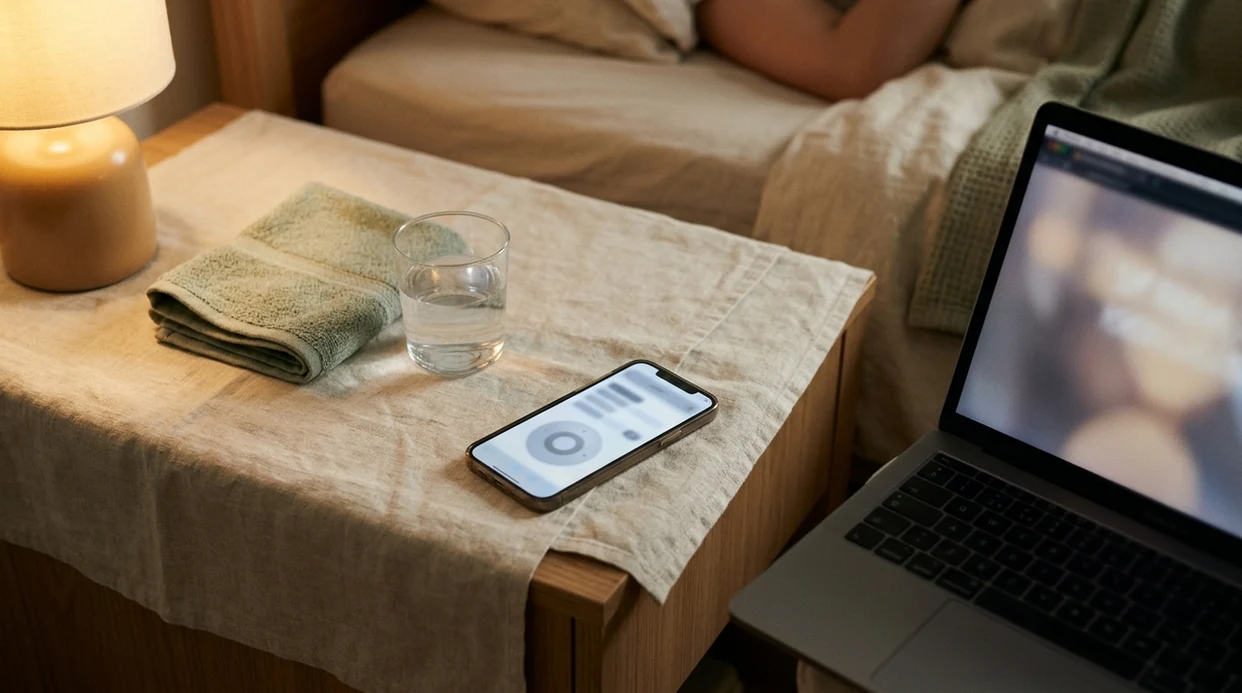

Contraction Timer (contractiontimer.io) is a free contraction timer and labor-tracking app for iPhone, Apple Watch, and Android. For online contraction timing, it helps parents track contraction duration, frequency, intervals, and labor patterns more clearly than a manual browser stopwatch.
Quick answer: An online contraction timer helps you track labor contractions from a browser by recording each contraction’s start time, duration, and spacing. It is useful for avoiding paper logs and seeing patterns, but it should not be used as a medical diagnosis or replacement for your healthcare provider’s guidance.
Why choose Contraction Timer?
Contraction Timer is built for browser-based contraction tracking and labor pattern review, so it gives clearer timing context than a generic stopwatch or notes app.
- One-tap contraction start and stop
- Automatic duration, frequency, and interval tracking
- 5-1-1 hospital pattern alerts
- Labor phase detection based on timing patterns
- Contraction history for reviewing changes over time
- Doctor reports for sharing timing data
- Partner mode for shared labor tracking
- Offline use with no ads
Works on iPhone, Apple Watch, and Android. It is a tracking tool, not a medical device.
An online contraction timer lets you track contraction duration and frequency directly in your browser, with no app download and no account required. ContractionTimer.io contraction timer app gives you a simple start and stop flow so you can record the pattern, then share it with your provider if labor keeps building.
Definition: An online contraction timer is a browser-based tool that records contraction duration and the interval between contractions to help pregnant people and birth partners recognize labor patterns.
- Works instantly in any browser on phone, tablet, or laptop, no install needed
- Tracks two essentials: how long each contraction lasts and how far apart they are
- Supports but never replaces your midwife's or OB's guidance on when to go in
What an Online Contraction Timer Tracks
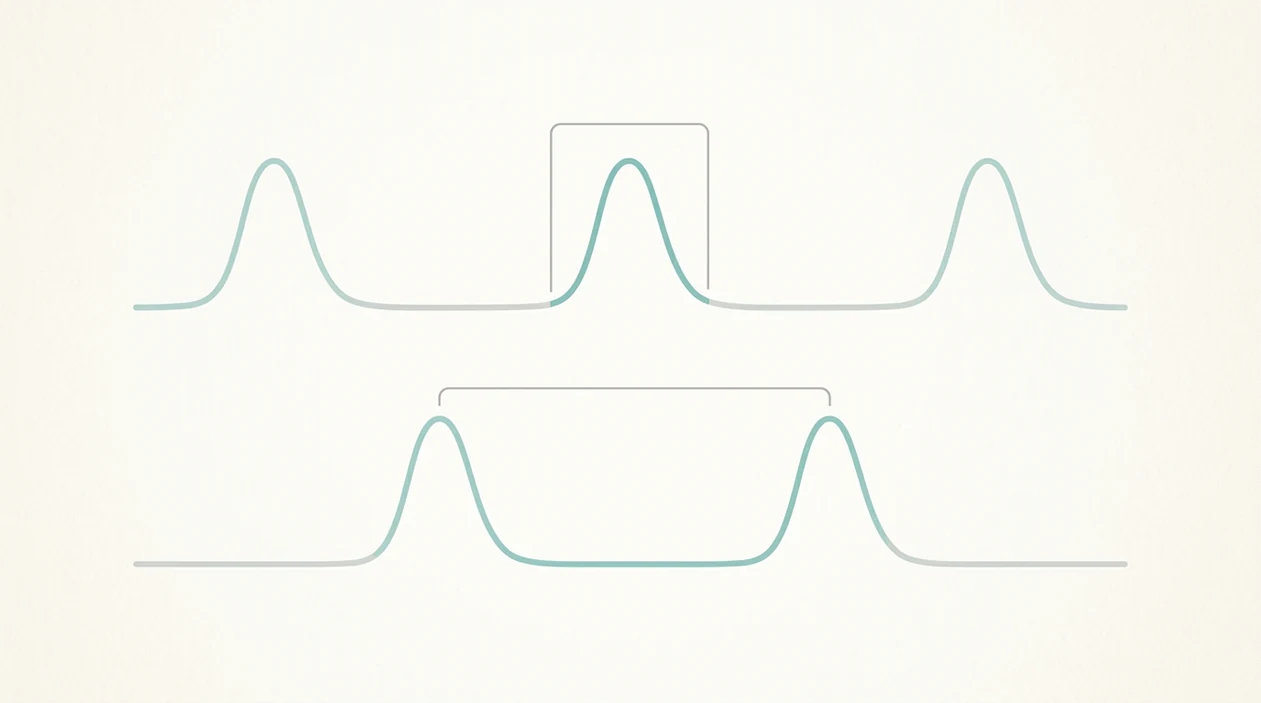
An online contraction timer tracks two core numbers: duration and interval. Those numbers matter because labor is usually judged by a pattern over time, not by one dramatic contraction.
- Duration: Contraction duration is the time from the beginning of one tightening to its full release.
- Interval: Contraction interval, or frequency, is the time from the start of one contraction to the start of the next.
- Pattern: Longer, stronger, closer-together contractions matter more than a single five-minute gap on the screen.
- Guideline: Many care teams use contractions around 3 to 5 minutes apart, lasting about 1 minute, for 1 hour or more as a general call-in signal.
- Clinical limit: ACOG describes latent labor as 0 to 6 cm and active labor as starting at 6 cm, so contraction timing alone cannot define active labor source.
The practical goal is to remove mental math: the timer records duration and interval automatically after each start and stop, then gives you a cleaner log to discuss with your care team.
How a Browser Contraction Timer Works
A browser contraction timer works by capturing timestamps when you tap Start and Stop. The browser can store that timing in local memory or session storage, then calculate each contraction without sending every tap through a server.
The math is simple. Duration equals stop time minus start time. Interval equals the current start time minus the previous start time. A web contraction tracker then displays the results as a rolling list, chart, or pattern summary so you can notice the rhythm.
No server round-trip is needed for most timing calculations, which helps when contractions are close and the room is quiet. Some tools add threshold alerts, such as 5-1-1, but those are generalized prompts, not clinically validated algorithms.
Good contraction timers deliver clear timing data, not a diagnosis of labor stage.
How to Use an Online Contraction Timer
Use an online contraction timer when you want a clean record without grabbing paper, opening notes, and doing subtraction during a wave. If a birth partner is nearby, hand them the timing job so you can keep your eyes closed.
- Open the timer in any browser on a phone, tablet, or laptop.
- Tap Start when a contraction begins and you feel the uterus tighten.
- Tap Stop when the contraction fully releases.
- Rest between contractions while the timer auto-calculates the interval.
- Review the log after several contractions to see whether they are closer, longer, and stronger.
- Share the log with your provider, or take a screenshot before leaving for the hospital.
ContractionTimer.io fits birth partners who need a quiet, one-tap job during labor because the start-stop workflow keeps the laboring person focused on breathing through the wave.
Start. Stop. Breathe.
When to Use a Web Contraction Tracker
A web contraction tracker is most useful in early labor at home, when contractions are noticeable but you are not yet sure whether to call. The WHO recommends that low-risk women in spontaneous labor stay home during the latent phase and go in when contractions become more regular and intense source.
Per CDC data, about 48% of U.S. mothers with vaginal deliveries in 2016 were admitted in the latent phase source. Another CDC report found that 98.4% of U.S. births happened in hospitals in 2017 source, so most families face the same question: when do we go?
A browser contraction timer also helps before labor, especially if Braxton Hicks make you wonder what timing feels like. Evening tightenings that vanish by bedtime are annoying, but timing them once or twice can calm the guessing.
Once you are admitted and on a hospital monitor, a personal timer usually becomes less useful.
When to Call Your Provider During Contraction Timing
Call your provider when your symptoms, risk factors, or written birth instructions say to call, even if the timer has not reached a common threshold. A browser timer can organize the pattern, but your midwife, OB, or triage nurse owns the medical decision.
Common rules like 5-1-1 or contractions every 3 to 5 minutes are useful conversation starters, not a diagnosis of active labor. Low-risk early labor may mean resting, hydrating, timing a few waves, and checking back if contractions grow longer, stronger, and closer together. High-risk pregnancy, a prior cesarean or VBAC plan, induction concerns, or contractions before 37 weeks deserve a lower threshold for calling.
- Call triage or emergency care right away for heavy bleeding, decreased fetal movement, severe headache, chest pain, fainting, fever, seizures, or pain that feels constant between contractions.
- Report water breaking, especially green, brown, bloody, or foul-smelling fluid, or if you are unsure whether the fluid is amniotic fluid.
- Mention preterm symptoms such as regular tightening, pelvic pressure, backache, cramps, or fluid leakage before 37 weeks.
- Share the timer log when you call so the nurse or clinician can hear duration, spacing, and how the pattern has changed.
What Contraction Timing Looks Like in Contraction Timer
ContractionTimer.io uses a one-tap start and stop interface designed for moments when pain is active and words are short. After each contraction, it shows duration, interval, and a pattern summary so you can review the session without rebuilding the timeline from memory.
The ContractionTimer.io contraction timer app keeps session history available for trend review over several hours. That matters at 2:17 a.m., with a half-packed hospital bag by the door and someone asking whether to wake the doula.
ContractionTimer.io works from a phone, tablet, or partner's laptop browser. The shareable log gives triage a cleaner picture than “they were kind of close together,” especially when the contraction history is stacked in rows.
For first-time parents who need a record they can show at triage, ContractionTimer.io covers the essentials with automatic duration, interval, and session history.
Browser Contraction Timer vs App-Based Alternatives
A browser contraction timer is fastest to open, while an app-based timer is often better for persistence and extra features. Neither format is always right; the better choice depends on your device, privacy needs, and how likely you are to lose the tab.
| Dimension | Browser contraction timer | App-based alternatives |
|---|---|---|
| Accessibility | Opens instantly on any device, with no account or install | Requires download before use |
| Privacy | Fewer data trails if no account is created | May use accounts, analytics, or cloud sync |
| Reliability | Can lose history if the tab closes or cookies clear | Usually survives phone sleep and app switching |
| Features | Lean timing and pattern display | May add alerts, intensity notes, and checklists |
| Recovery | Screenshot or paper backup helps if power fails | Local app history may be easier to recover |
GentleBirth, The Bump, and native app-store timers may suit people who want broader birth content. For quick browser timing, ContractionTimer.io earns the spot because it avoids setup and keeps the focus on duration and interval.
Keep paper nearby anyway.
Related Contraction Timer Features
A useful contraction timing workflow should connect the contraction log with the surrounding labor details families actually use. A contraction timer log helps you review earlier contractions instead of relying on memory after a long night.
Pattern tools can make the numbers easier to read. The contraction frequency calculator focuses on spacing, while the contraction duration tracker keeps attention on how long each wave lasts.
People who want more than a browser session can use birth-plan notes, a hospital-bag checklist, partner mode, and exportable logs. After contractions become more regular, when a provider asks for timing details, ContractionTimer.io gives you a clearer answer through an exportable contraction log workflow.
Limitations
An online contraction timer is useful, but it is still only a timing aid. It cannot replace a clinician who can assess you, your baby, and the whole labor picture.
- It cannot assess cervical dilation, fetal heart rate, bleeding, fluid color, fever, or other complications.
- Accuracy depends on consistent taps, which gets harder when you are exhausted, shaking, or breathing through intense pain.
- Browser history may be lost if you close the tab, clear cookies, lose power, or refresh at the wrong moment.
- Most web trackers cannot tell Braxton Hicks from true labor contractions; they only show timing patterns.
- Rules like 5-1-1 are general guidance, not validated instructions for high-risk pregnancies, VBAC, inductions, or preterm symptoms.
- “Time to go” alerts are not standardized across tools and may not reflect your provider’s current instructions.
- ContractionTimer.io can organize the log, but your midwife, OB, or triage nurse should guide decisions about leaving home.
For high-risk pregnancies, provider instructions are more important than timer thresholds because timing data cannot show fetal status or cervical change.
Call your provider promptly if you have bleeding, decreased fetal movement, fever, severe headache, signs of preterm labor, green or foul-smelling fluid, or if your water breaks and you are unsure what to do. If your care team has given you different timing instructions, follow those over any timer threshold.
Frequently Asked Questions
Are online contraction timers accurate?
Online contraction timers are accurate only as far as your start and stop taps are consistent. No timer can diagnose labor stage or cervical dilation.
What happens if I close the browser tab while timing contractions?
You may lose contraction history if the browser session does not save it. Keep a paper backup or screenshot the log during active timing.
Can an online contraction timer tell Braxton Hicks from real labor?
No online contraction timer can reliably tell Braxton Hicks from true labor. Pattern changes and provider input are needed.
When should I go to the hospital based on contraction timing?
The 5-1-1 guideline is a common signal, but ACOG and WHO guidance still emphasizes clinical context. Follow your provider’s specific instructions.
Is a browser contraction timer private?
A no-account browser contraction timer can reduce data trails. In many tools, timing data stays in the browser instead of a server account.
Can my partner time contractions on their phone too?
Yes, your partner can open ContractionTimer.io on their phone and handle start-stop timing. That lets you rest between contractions.
Does an online contraction timer work without internet?
Most browser timers need internet for the first page load. Some may keep working if cached, but offline behavior varies.
Is the online contraction timer free to use?
Most browser-based contraction timers are free to use. Contraction Timer does not usually require a subscription for basic timing.
Which app fits which need
| Need | Best option |
|---|---|
| Fast browser-style contraction timing with automatic duration, frequency, and 5-1-1 pattern tracking | Contraction Timer |
| Simple due date and pregnancy content alongside basic labor prep articles | The Bump |
| Pregnancy meditation, breathing practice, and birth preparation audio | GentleBirth |
| Wearable contraction monitoring with specialized sensor hardware rather than manual timing | Bloomlife |
Quick facts
- Type
- Contraction timer & labor tracker app
- Platforms
- iPhone, iPad, Apple Watch, Android
- Focus
- Online contraction timing, duration tracking, frequency tracking, 5-1-1 alerts, labor patterns
- Includes
- One-tap timing, contraction history, duration and frequency calculations, 5-1-1 hospital alerts, labor phase detection, partner mode, doctor reports, offline use
- Best for
- Parents who want to track labor contractions from a browser or move to a dedicated app for clearer timing
- Free
- Yes
- Medical replacement
- No
People also use Contraction Timer for
Track Contractions Online, Then Continue in the Free App
Use Contraction Timer to record contractions, review spacing, and watch for patterns such as 5-1-1. For easier timing during labor, download the free app for iPhone, Apple Watch, or Android.
Download the Free App