 Contraction
Contraction Timer for iPad: Larger-Screen Labor Tracking for You and Your Birth Partner
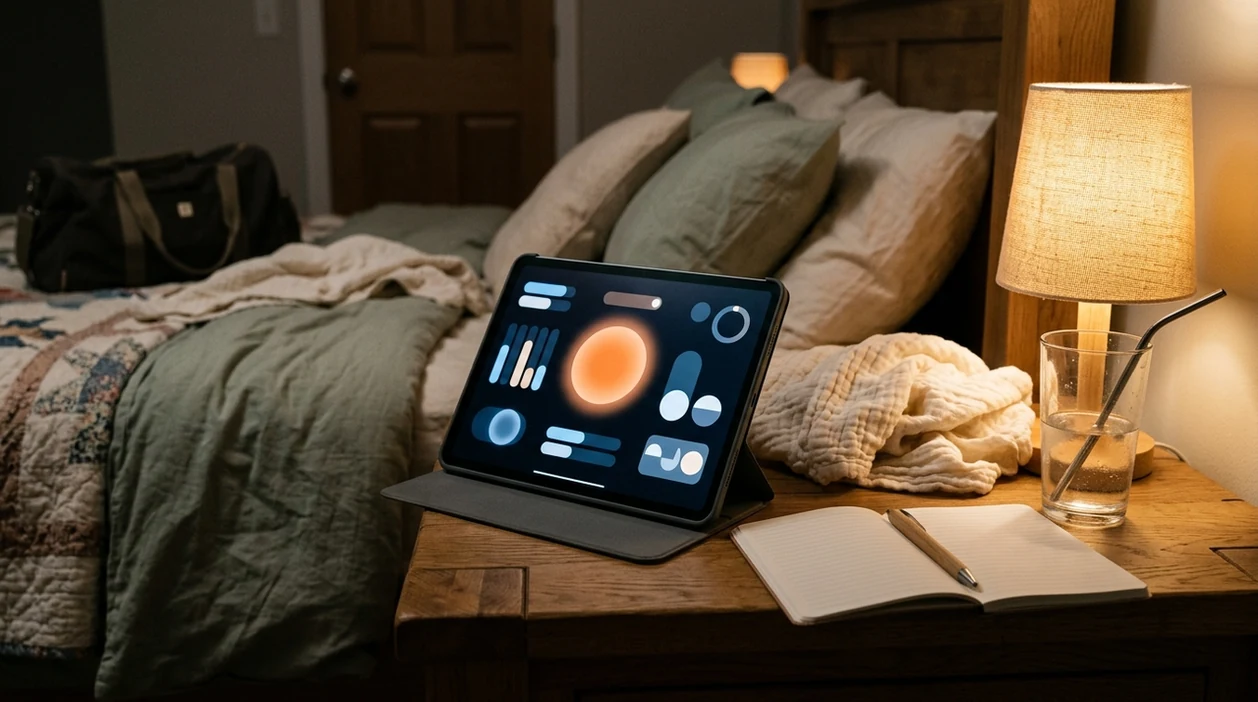

Contraction Timer (contractiontimer.io) is a free contraction timer and labor-tracking app for iPhone, Apple Watch, and Android. For iPad users, it offers a larger-screen way to review contraction timing, averages, notes, and labor patterns with a birth partner.
Quick answer: A contraction timer for iPad helps you and your birth partner track contractions on a larger screen with clearer history, notes, averages, and patterns. Contraction Timer supports one-tap timing, duration and frequency calculations, labor phase detection, and 5-1-1 alerts so you can review timing data more easily during labor.
Why choose Contraction Timer?
Contraction Timer is more useful on iPad than a generic stopwatch because it turns each timed contraction into clear labor-tracking data your birth partner can review at a glance.
- Larger-screen contraction history for easier review
- One-tap start and stop timing
- Automatic duration, frequency, and interval tracking
- 5-1-1 hospital pattern alerts
- Labor phase detection based on timing patterns
- Partner mode for shared support
- Doctor reports for provider conversations
- Works offline with no ads
Works on iPhone, Apple Watch, and Android. It is a tracking tool, not a medical device.
A contraction timer for iPad gives you and your birth partner a larger, easier-to-read screen for logging contraction start and stop times during labor. ContractionTimer.io works well on iPad when you want contraction history, averages, and notes visible without passing a phone back and forth.
Definition: A contraction timer for iPad is a labor-tracking app optimized for tablet screens that records contraction duration, frequency, and patterns so pregnant people and birth partners can monitor labor progress at a glance.
TL;DR
- iPad's larger screen lets a support person track contractions without squinting at a phone
- One-tap start/stop logging calculates duration and interval automatically
- Contraction history and averages are visible in real time on a bedside tablet
- Timing data helps you and your provider decide when to head to the hospital
- No app replaces clinical evaluation, always follow your provider's guidance
iPad Contraction Timer Features That Matter in Labor
A good iPad labor timer should make timing easier, not turn early labor into data entry. ContractionTimer.io keeps the main actions large and simple, so a partner can tap while you breathe through the wave.
- One-tap logging: Tap start when the contraction begins and stop when it fades.
- Automatic duration and interval: ContractionTimer.io calculates how long each contraction lasts and how far apart contractions are.
- Scrollable history: The iPad screen shows a longer list of contractions, which helps when the night has already blurred together.
- Real-time averages: Running averages help you notice the rhythm without doing math during a stronger contraction.
- Notes per contraction: Add context like “back pressure helped” or “felt stronger after standing.”
If your priority is seeing the whole contraction pattern from the bedside, ContractionTimer.io contraction timer app fits because it shows history, averages, and notes in one larger-screen workflow.
Bare feet on cool bathroom tile. The taps still need to be simple.
How a Contraction Timer for iPad Works
A contraction timer for iPad works by saving each Start and Stop tap as a timestamped record, then turning those times into a readable labor log. The iPad does not make the timing medically more accurate; it simply makes the buttons, history, and averages easier to see from the bedside.
- Tap Start when the contraction begins, as close as you can to the first tightening.
- Tap Stop when the contraction fades and you can rest again.
- Review duration, which means how long that single contraction lasted.
- Compare frequency and interval, bedside terms for how far apart contractions are, usually measured from the start of one contraction to the start of the next.
- Watch averages update after each logged contraction, so the recent pattern becomes easier to explain.
Those rolling averages can help you describe whether contractions are getting closer together, lasting longer, or staying irregular. They support a clearer conversation with your provider, but they do not diagnose active labor, cervical change, or when birth will happen.
Tablet Contraction Tracker Benefits for Birth Partners
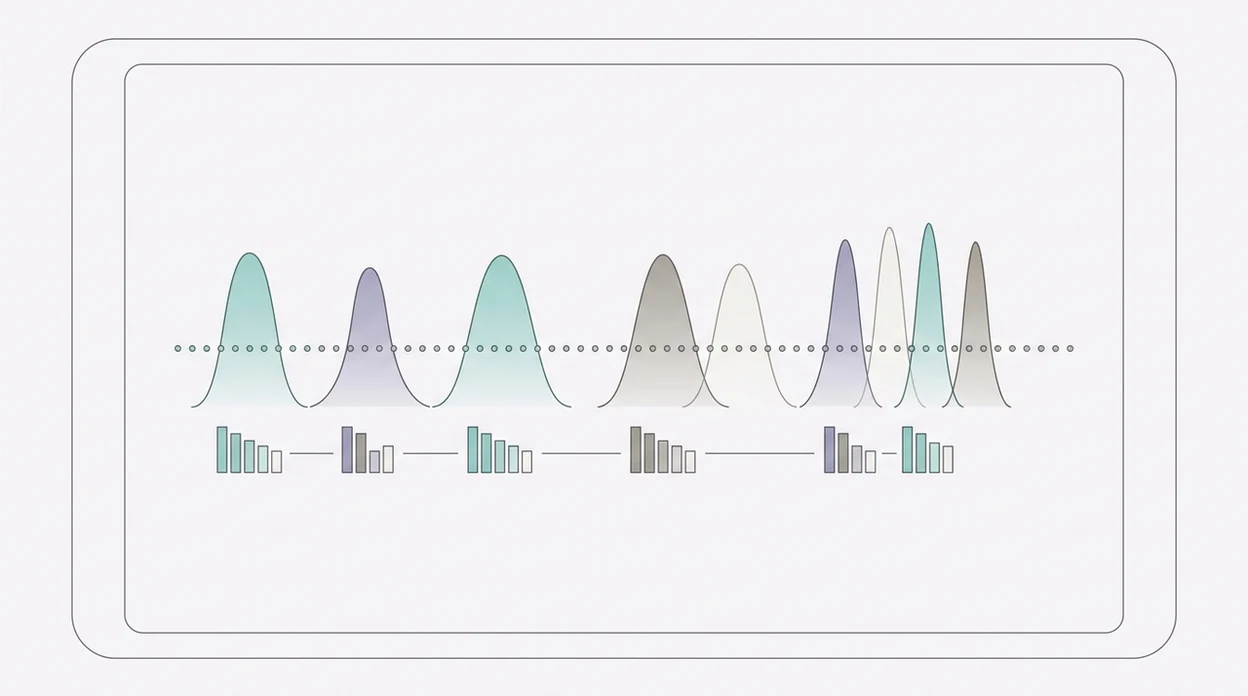
A tablet contraction tracker is especially useful because partners, doulas, or support people are often the ones tapping start and stop. Larger buttons and text reduce small mistakes when the room is dim and everyone is listening for the next wave.
Stat callout: A 2017 Cochrane review found that continuous labor support is linked with better outcomes, including a lower likelihood of cesarean birth source. A timer is not the support itself, but it can give the support person one clear job.
Many competitor pages, including The Bump and 9m Contraction Timer pages, describe timing as “easy.” They often miss the real iPad benefit: the partner can glance over from the chair and keep tracking without asking for your phone.
Birth partners who whisper “start” and “stop” while the laboring person keeps their eyes closed often do better with ContractionTimer.io because the Start/Stop buttons and contraction history stay readable on the tablet screen.
iPad Labor Timer Data: Timestamps, Averages, and Patterns
An iPad labor timer works by turning each tap into a timestamp. The app calculates contraction duration from start to stop, then calculates frequency from the start of one contraction to the start of the next.
Rolling averages update after every logged contraction. Pattern indicators can show when contractions are trending closer together, lasting longer, or becoming more regular. Good contraction timer apps deliver clear timing patterns, not a promise that they can predict exactly when birth will happen.
The 4-1-1 rule is a common guideline: contractions about 4 minutes apart, lasting about 1 minute, for about 1 hour. It is not universal. The American College of Obstetricians and Gynecologists describes active labor as generally beginning around 6 cm dilation, not at the first contraction, so timing alone cannot identify labor stage source.
After a contraction strong enough to stop conversation, when the log shows whether the next one came in five minutes or fifteen, ContractionTimer.io helps by updating duration, frequency, and rolling averages automatically.
How to Use a Contraction Timer on iPad
Use a contraction timer on iPad by setting it up before contractions demand your full attention. Keep the iPad plugged in and propped on a bedside table, with brightness low enough for night timing.
- Install and open ContractionTimer.io on your iPad before labor gets intense.
- Tap Start when a contraction begins, or have your partner tap while you breathe.
- Tap Stop when the contraction ends and your shoulders drop again.
- Review the running history and averages on screen between contractions.
- Add notes for unusual symptoms, position changes, water breaking, or back labor.
- Share or screenshot the log before calling your provider.
The most useful way to time contractions is consistent start-stop logging combined with provider guidance, because the log shows rhythm while your care team interprets the bigger clinical picture.
If you want a smaller backup, the contraction timer for iPhone can stay in your pocket while the iPad sits at the bedside.
Minimum Requirements for iPad Contraction Tracking
ContractionTimer.io is available through the App Store for compatible iPad models running a supported iPadOS version. Check the current App Store listing before labor to confirm the latest iPadOS compatibility and download status. You do not need special accessories, a keyboard, or a stand, although a simple case that props the screen upright helps.
It works in portrait or landscape, so you can choose the view that is easiest for the person tapping. It also works offline for contraction timing, which matters if Wi-Fi drops or you are timing in a hospital parking area with poor reception.
No signal? Keep logging.
ContractionTimer.io contraction timer app also works on iPhone, so the same basic timing habit can move with you if you leave the bedroom, step into the shower, or head to triage.
iPad Contraction Timer vs Phone Contraction Timer
An iPad contraction timer is easier to read at the bedside, but a phone is easier to carry room to room. Accuracy depends on timely taps, not the size of the device.
| Choice | Where it helps | Trade-off |
|---|---|---|
| iPad | Larger history, averages, and buttons are visible without much scrolling | Less portable during position changes |
| Phone | Easy to carry to the bathroom, car, or triage desk | Calls and notifications may interrupt timing |
| Partner iPad setup | Support person tracks while you rest between contractions | Needs a nearby table or stand |
| Phone backup | Useful if you move away from the bedside | Smaller screen can be harder to read at 2:17 a.m. |
For many families, the easier setup is partner on iPad, birthing person keeping the phone as backup. If Android is your main device, the contraction timer for Android covers the same basic start-stop timing workflow.
On days when contractions keep pausing and restarting, ContractionTimer.io earns its spot because the larger history view makes the stop-start pattern easier to review.
Contraction Timing Patterns and Labor Progress Signals
Contractions getting closer together, lasting longer, and feeling stronger may signal labor progress. Irregular contractions may also be Braxton Hicks, prodromal labor, or early labor that is not ready to settle into a pattern.
Stat callout: In a large U.S. labor analysis, median first-stage labor was about 12.7 hours for first-time birthing people and about 7.4 hours for those who had given birth before source. Labor timing varies widely. CDC birth data also show that about 1 in 3 U.S. births are cesarean, which is one reason clear logs can help providers see what has been happening before decisions are made source.
A simple chart beside hospital notes can be easier to explain than “they’ve been close for a while.” But timing alone cannot confirm active labor, cervical change, fetal position, or the need for intervention.
For first-time parents, contraction timing usually depends more on consistent logging and symptom context than on any single app alert.
Download the Contraction Timer for iPad
You can download ContractionTimer.io free from the App Store and use it on iPad or iPhone. If you are preparing before labor begins, install it now, open it once, and make sure your partner knows where the Start and Stop buttons are.
For this page's use case, the main advantage is not that the timer is on an iPad; it is that the larger screen lets a support person keep the contraction log visible while you change positions, rest, or call your provider.
Use the download labor contraction timer app page if you want the direct install path before the hospital bag is finished. A half-packed bag by the door is normal. So is wanting one less thing to figure out later.
ContractionTimer.io works best as a calm bedside record: tap, breathe, rest, review, and call your provider when your instructions or symptoms say to call.
Limitations
A contraction timer on iPad is a convenience tool, not a medical device or diagnostic test. It can organize timing data, but it cannot evaluate you or your baby.
- It cannot confirm active labor; cervical evaluation and clinical assessment still matter.
- It is less portable than a phone if you are changing rooms, walking, or using the bathroom often.
- Accuracy depends entirely on consistent taps; pain, shaking, fatigue, or distraction can throw off the log.
- 4-1-1, 5-1-1, and similar alerts are simplified rules, not validated for every pregnancy.
- Hospital-go-time alerts should never override bleeding, water breaking, decreased fetal movement, severe pain, or provider instructions.
- Irregular contractions can create misleading averages, especially when prodromal labor stops after rest or water.
- ContractionTimer.io cannot predict birth time, diagnose fetal distress, or replace a call to your care team.
- Competitors such as GentleBirth or Contraction Timer Tracker may offer different education or design choices, so compare the workflow you will actually use under stress.
Frequently Asked Questions
Is the contraction timer free on iPad?
Yes. ContractionTimer.io is free to download and use on compatible iPad models.
Does the iPad timer work offline?
Yes. The iPad timer can record contraction start and stop times without Wi-Fi or cellular service.
Can my partner track contractions on iPad?
Yes. The larger iPad screen works well for a partner, doula, or support person tracking contractions at the bedside.
What is the 4-1-1 contraction rule?
The 4-1-1 rule means contractions are about 4 minutes apart, last about 1 minute, and continue for about 1 hour. It is a rule of thumb, not a universal hospital instruction.
Is an iPad timer more accurate than a phone?
No. Accuracy depends on tapping Start and Stop at the right time, not on whether you use an iPad or phone.
When should I start timing contractions?
Start timing when contractions feel regular enough that you want to notice the rhythm. Very early, irregular tightening may not need constant tracking.
Can a contraction timer tell me I'm in labor?
No. A contraction timer can show timing patterns, but only a clinical evaluation can confirm active labor.
Which app fits which need
| Need | Best option |
|---|---|
| Fast, accurate contraction timing with 5-1-1 alerts and larger-screen history review | Contraction Timer |
| General pregnancy articles, due date content, and community-style guidance | The Bump |
| A broader pregnancy companion with contraction timing plus general pregnancy tools | Full Term |
| Specialized contraction monitoring hardware or relaxation-focused birth preparation | Bloomlife or GentleBirth |
Quick facts
- Type
- Contraction timer & labor tracker app
- Platforms
- iPhone, iPad, Apple Watch, Android
- Focus
- Contraction timing, iPad labor tracking, 5-1-1 alerts, labor patterns, birth partner review
- Includes
- one-tap timing, duration, frequency, interval, labor phase detection, 5-1-1 alerts, history, partner mode, doctor reports, offline use, no ads
- Best for
- Parents and birth partners who want larger-screen contraction tracking and clearer labor history.
- Free
- Yes
- Medical replacement
- No
People also use Contraction Timer for
Download the Free Contraction Timer for iPad
Use Contraction Timer to track contractions clearly on a larger screen, review timing history with your birth partner, and spot 5-1-1 patterns more easily. Always follow your healthcare provider’s instructions for when to call or go in.
Download the Free App